
Select Your Engine...
Select your primary game engine below to explore dedicated launcher features, variable bindings, and patching templates tailored for your development stack.
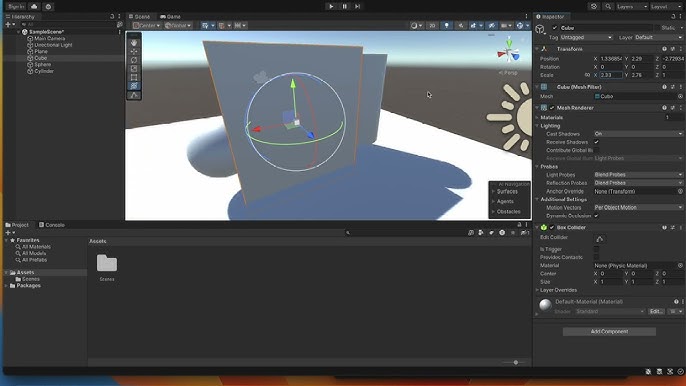
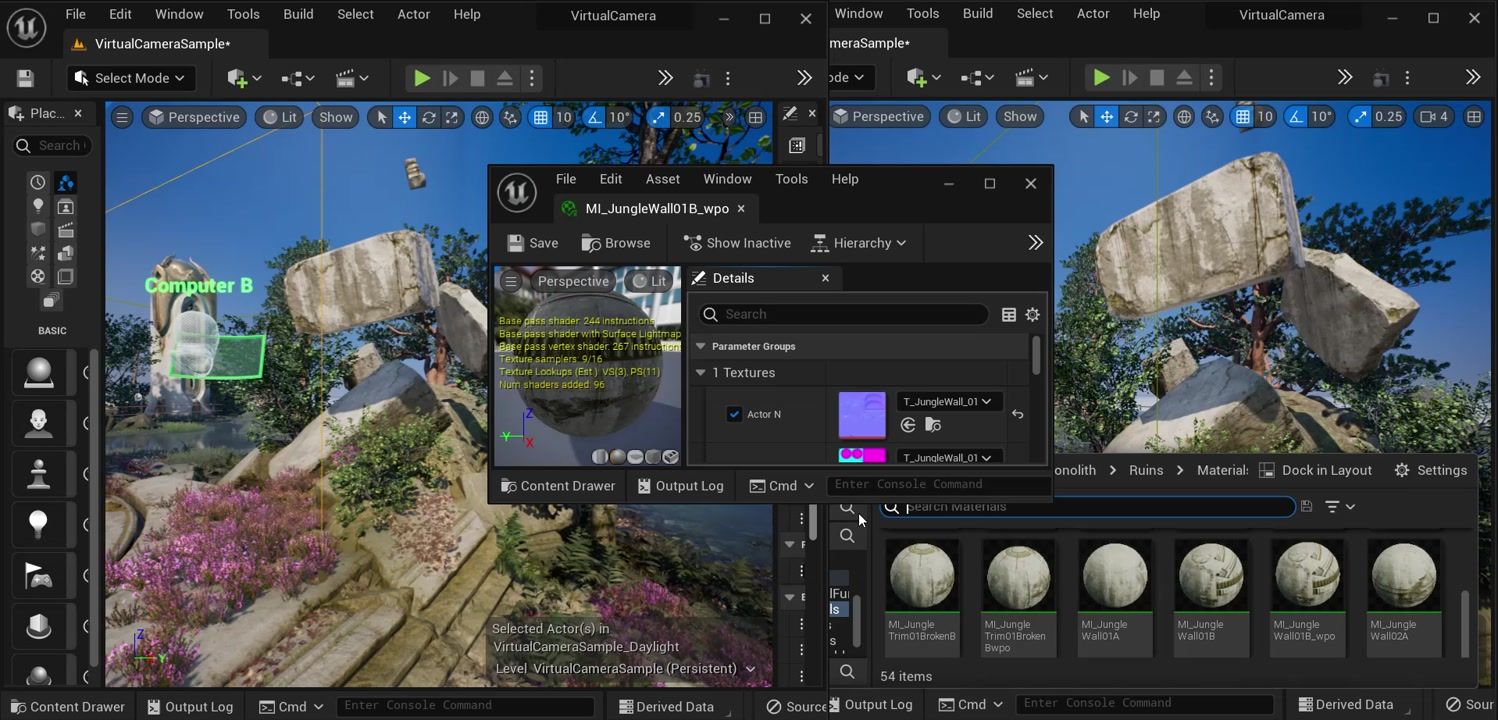

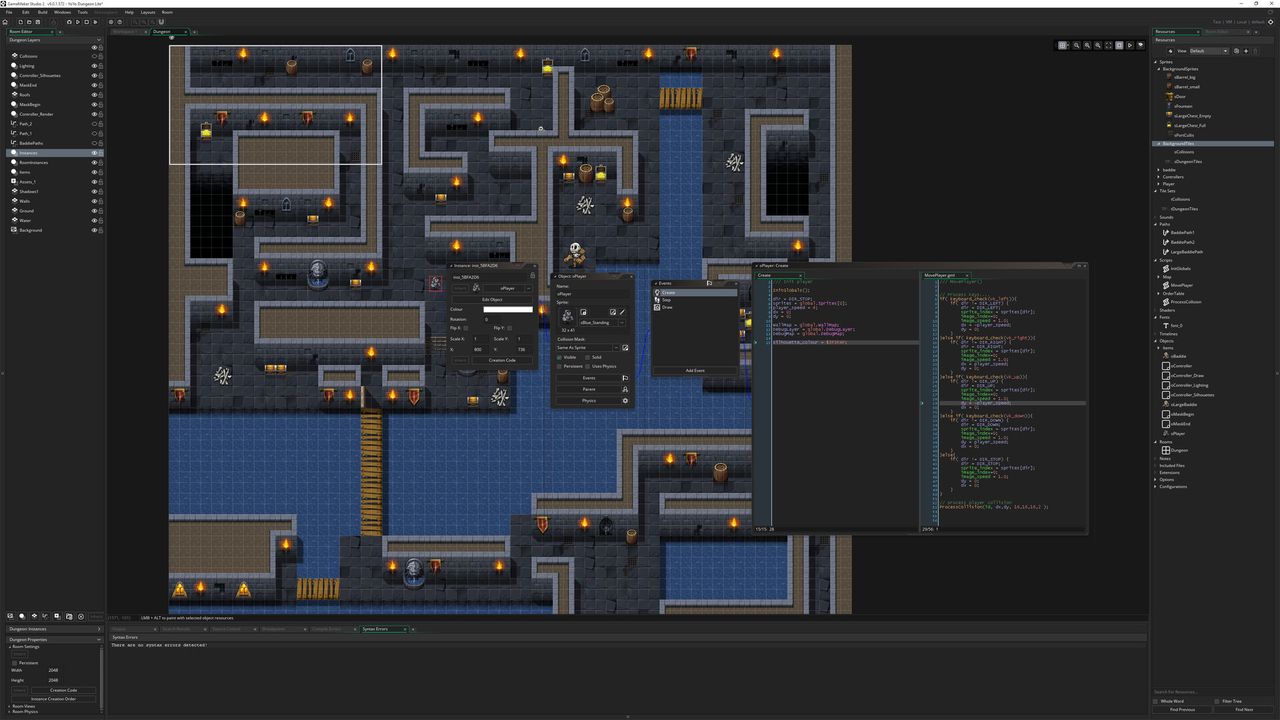
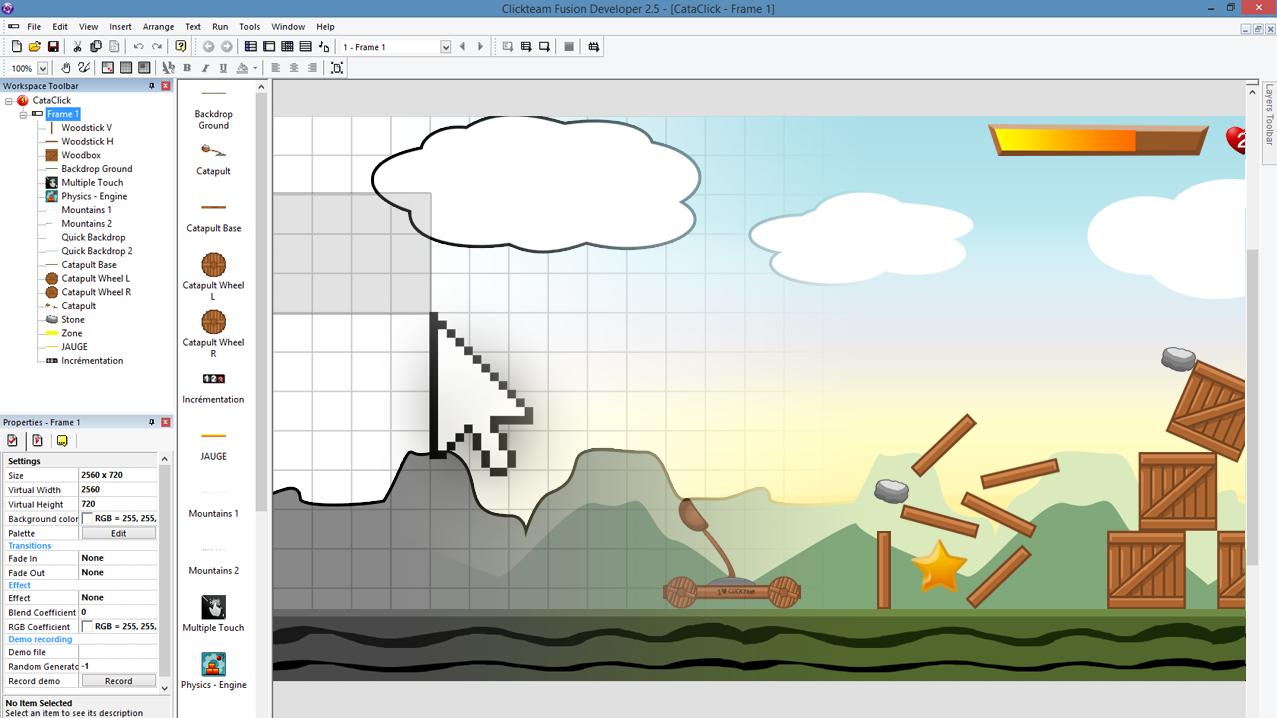
If it Compiles, We Launch It.
Virtually Any Engine Supported
Game Launcher Creator acts as an independent execution layer. It does not require source-code access to your game, meaning it is universally compatible with almost any development environment.
Whether you are compiling a Win64 Shipping Build in Unreal Engine, an IL2CPP executable in Unity, a .pck file in Godot, or building a bespoke application natively using C++ and Vulkan, GLC interfaces with your final output seamlessly.
Stop wasting valuable development sprints wrestling with WPF, WinForms, or bloated Electron wrappers. By decoupling your launcher from your main game project, you can update your news feeds, patch notes, and launcher UI without needing to push updates to the core game client.
Pass dynamic memory variables and standard execution arguments directly from the launcher into your game's
main() function upon boot.
Design. Bind. Deploy.
1. Visual Design
Use the WYSIWYG editor to craft your layout. Import your studio's UI elements, fonts, and background videos without writing any frontend code.
2. Bind Variables
Utilize the Event Action system to check APIs, read local INI files, and pass system memory variables into your UI text and progress bars.
3. Inject Patching
Link the LaunchBoost plugin to your interface to enable silent, lightning-fast delta patching for your game assets before launching.