01
Design your launcher
Use the visual editor to build your own Steam launcher layout with pages, buttons, and branded content.
Build a branded Steam launcher for your server community with a visual drag-and-drop editor. Add Steam App ID launch flows, direct server actions, community pages, and your own design without coding.
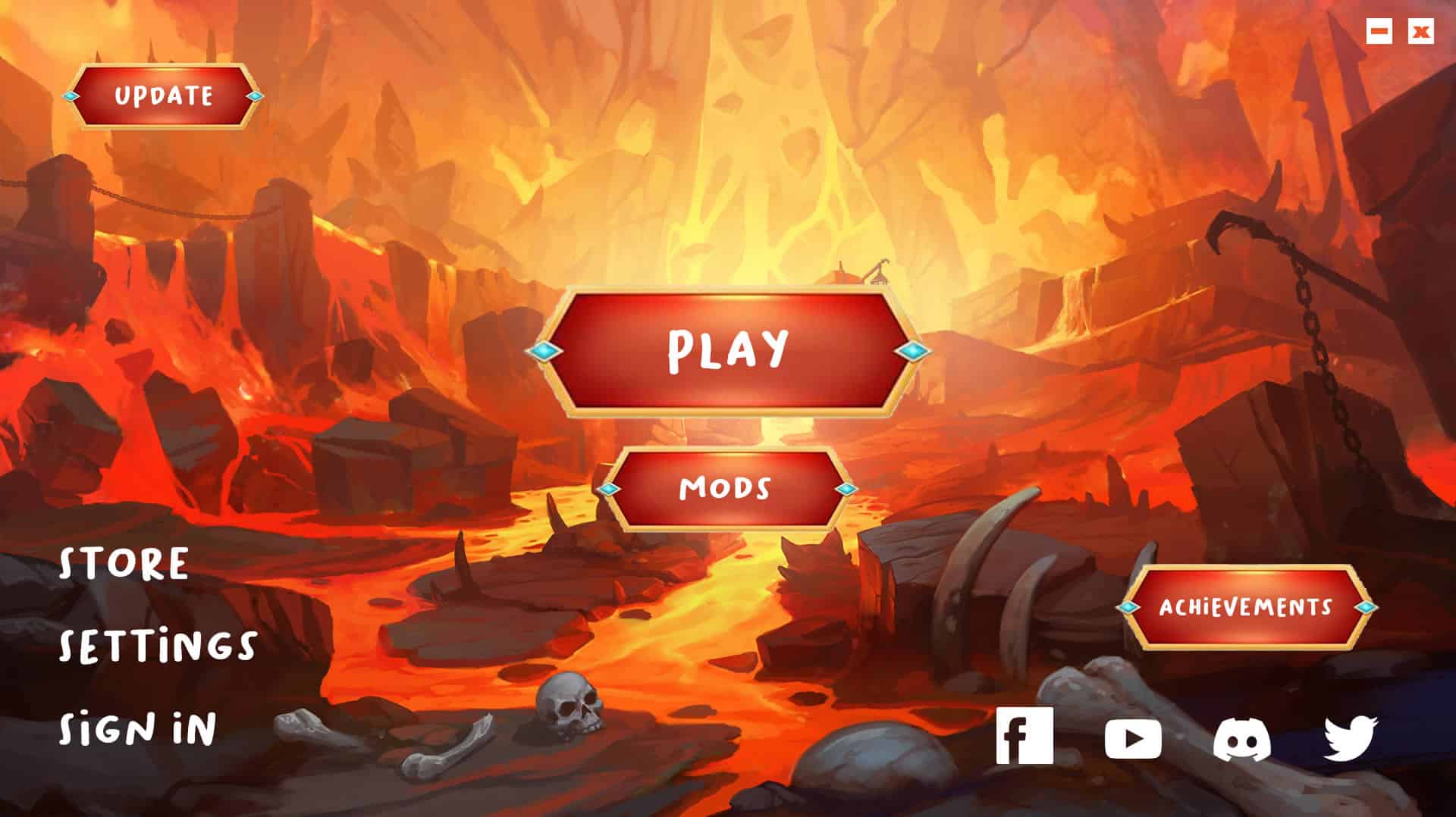
Make it obvious, branded, and easy for players to get into your server without sending them through the old Steam browser flow.
Use the visual editor to build your own Steam launcher layout with pages, buttons, and branded content.
Set your App ID, server IP, port, and any optional password inside the launcher flow.
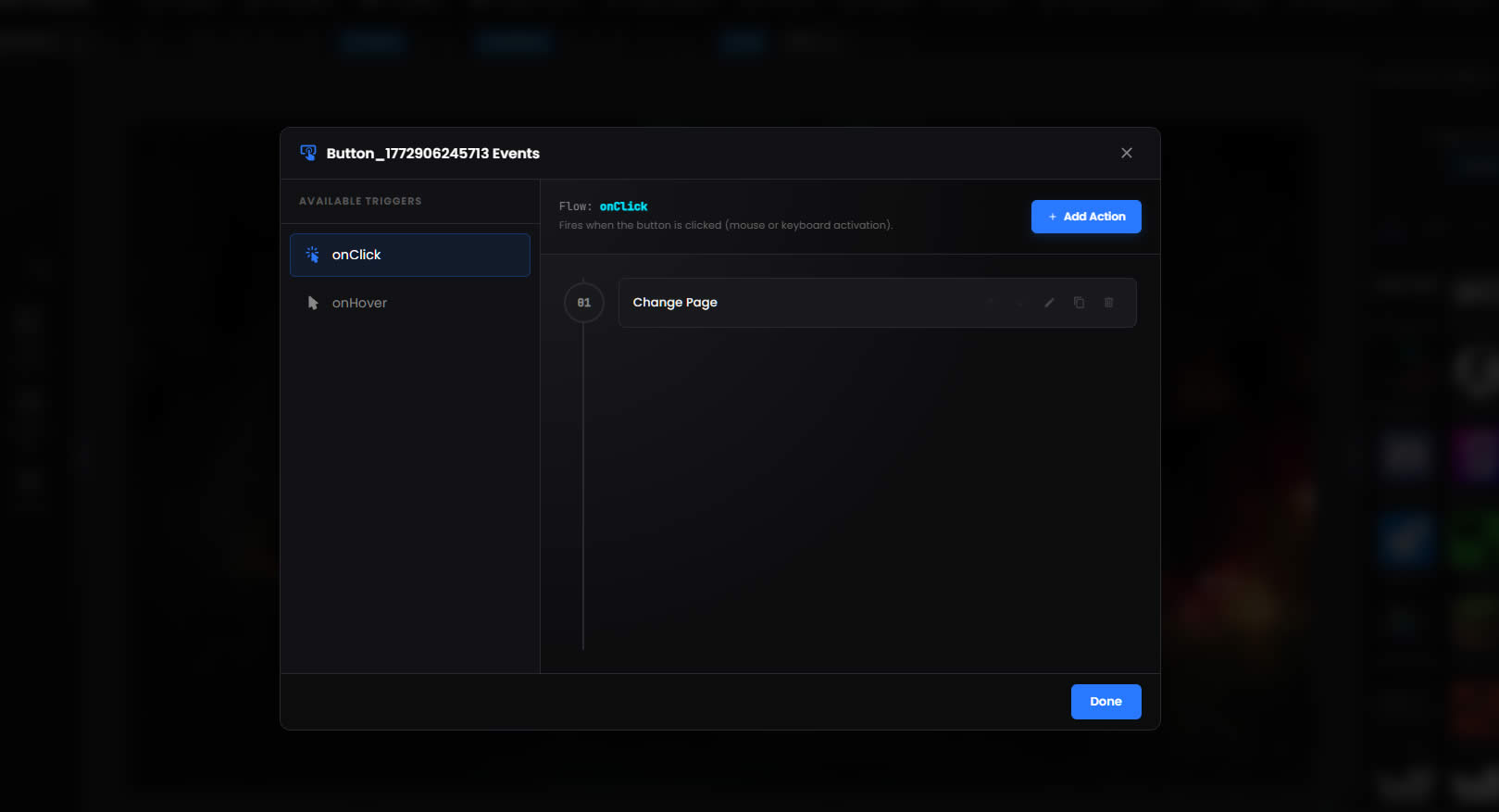
Use one launcher for community pages, support links, downloads, and onboarding content.
Ship a launcher your players can download and use as the front door to your server community.
Design, connect, and support your Steam community from one branded launcher.
Build your launcher layout visually instead of fighting with code.
Use Steam-specific actions built around App ID, server IP, port, and password handling.
Guide players into the right server flow without relying only on the old browser path.
Keep support, store, and community links inside one branded launcher.
Use the editor and event system without turning this into a programming project.
Start from a template or build a custom layout that fits your community identity.
Use the same builder to create launchers for other servers, communities, and custom game projects.
Get the full Steam bundle with one payment, instant access, and no subscription.
Preview branded launcher designs, included tools, and the kind of polished player experience you can ship to your own community.
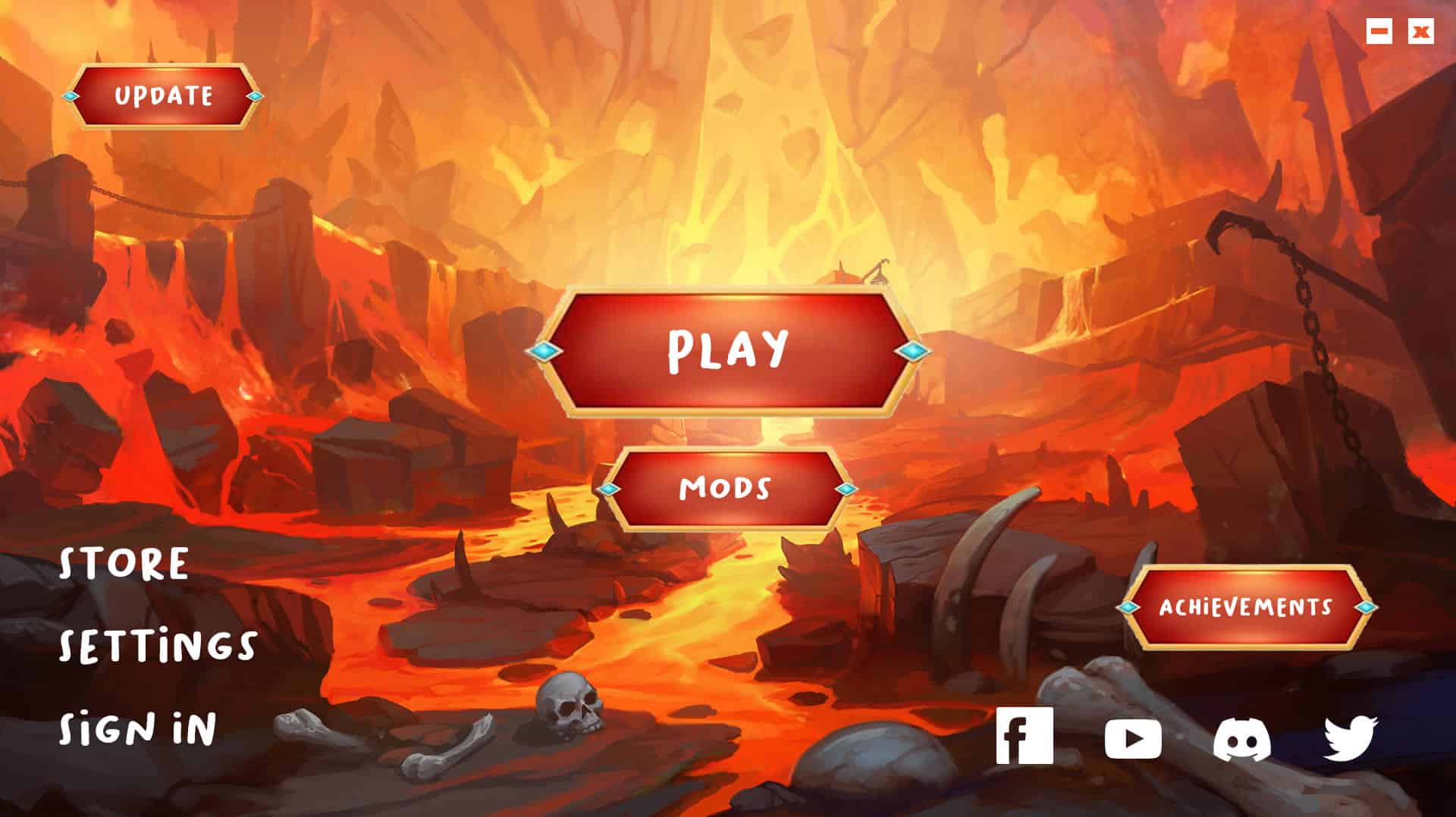
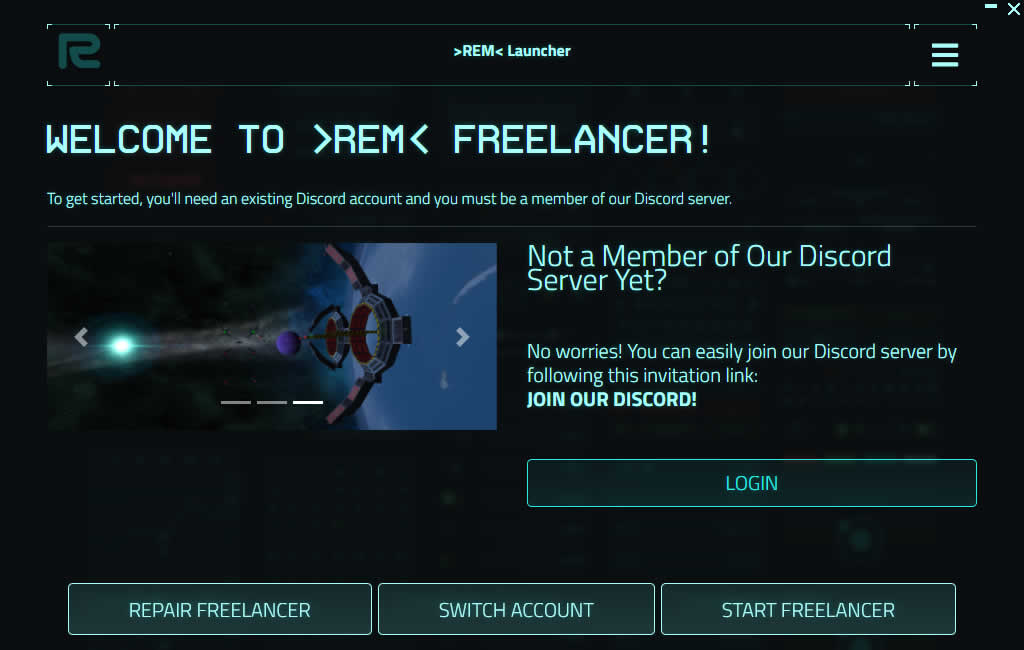
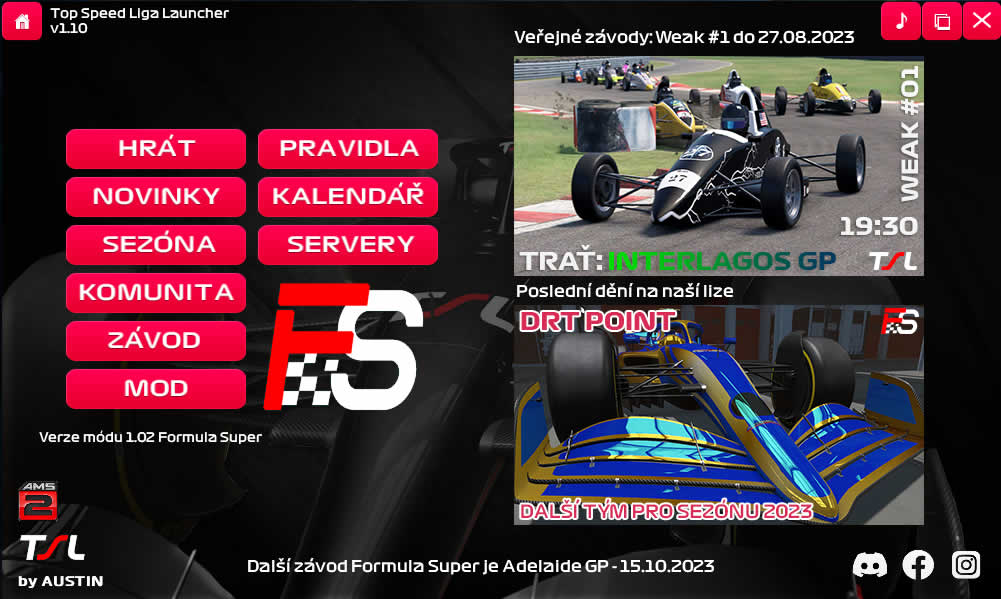
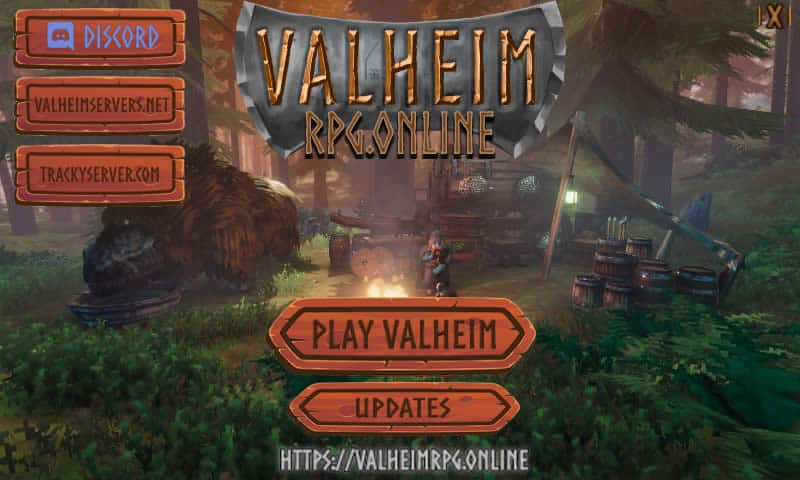
See exactly how quickly you can go from checkout to a live launcher for your players.
Complete checkout and activate your access.
Log in straight away with no waiting period.
Start inside the visual builder and pick your direction.
Configure your App ID, server IP, port, and Steam launch flow inside the editor.
Add branding, buttons, pages, and update delivery.
Publish your launcher and use it as the front door to your community.
Use one launcher to centralize the links, support content, downloads, and onboarding guidance your Steam players need before they join your server.
Unlike fixed-template tools, GLC gives you a real WYSIWYG editor with control over layout, styling, content, and launcher behavior.
Start with a template or build from scratch using drag-and-drop objects, custom styling, custom CSS, and an expandable event and action system.
See how different communities brand their launcher, onboarding, and support experience.
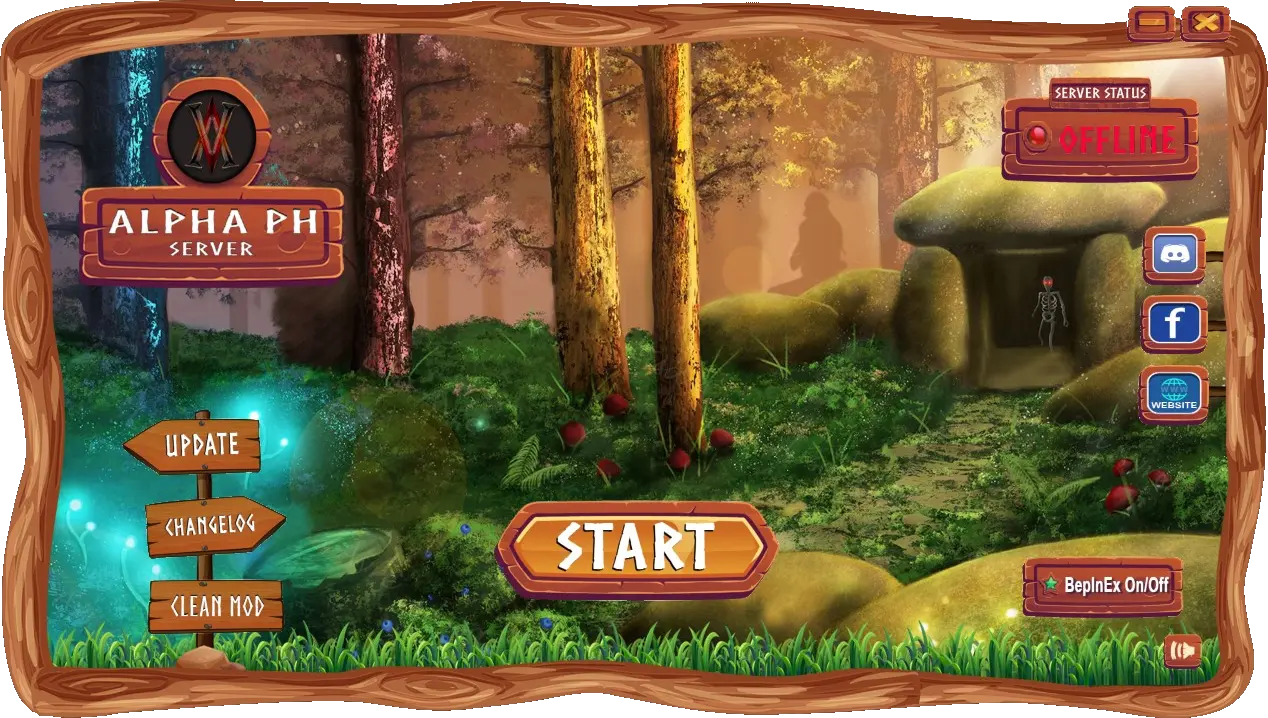
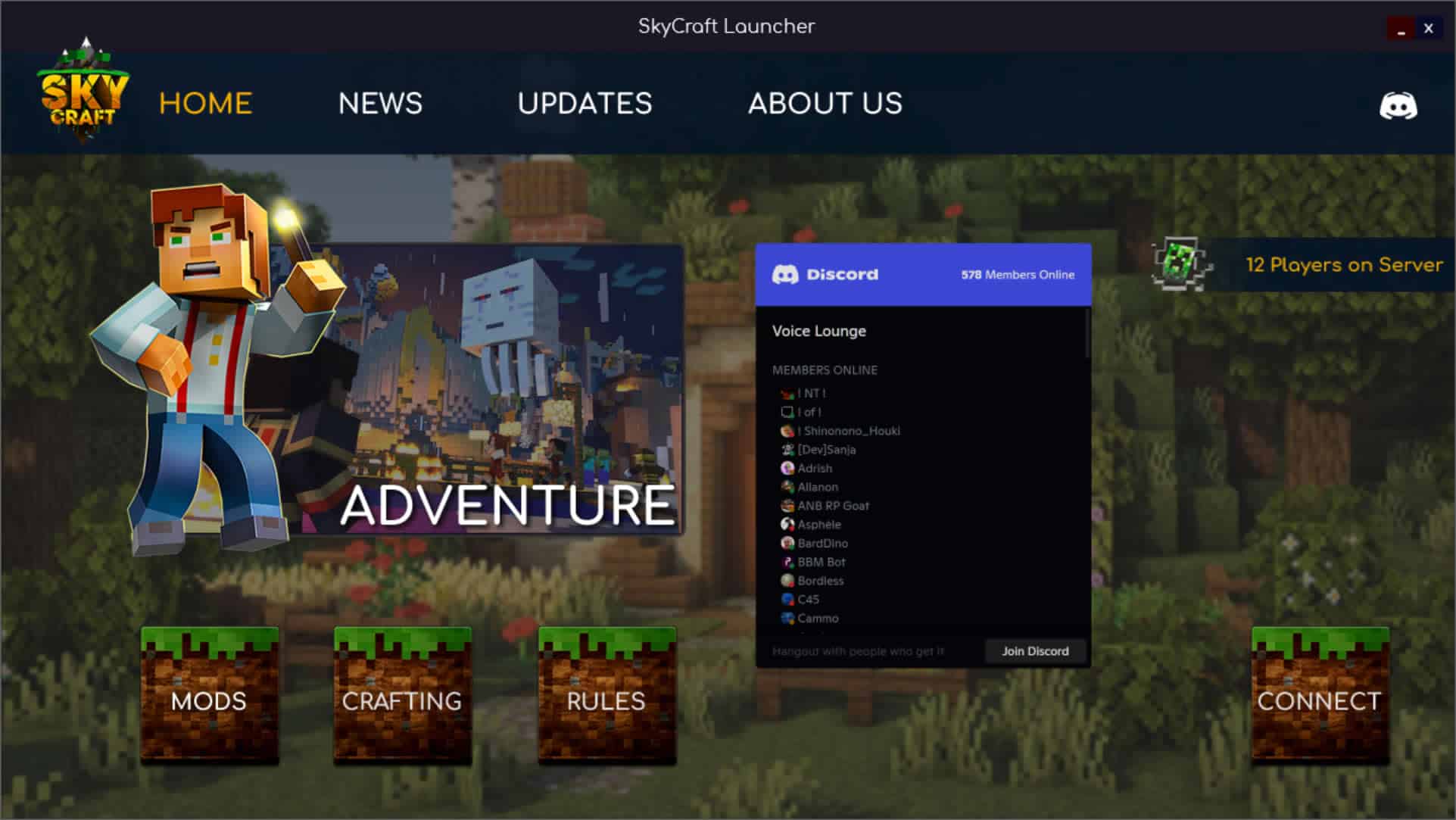
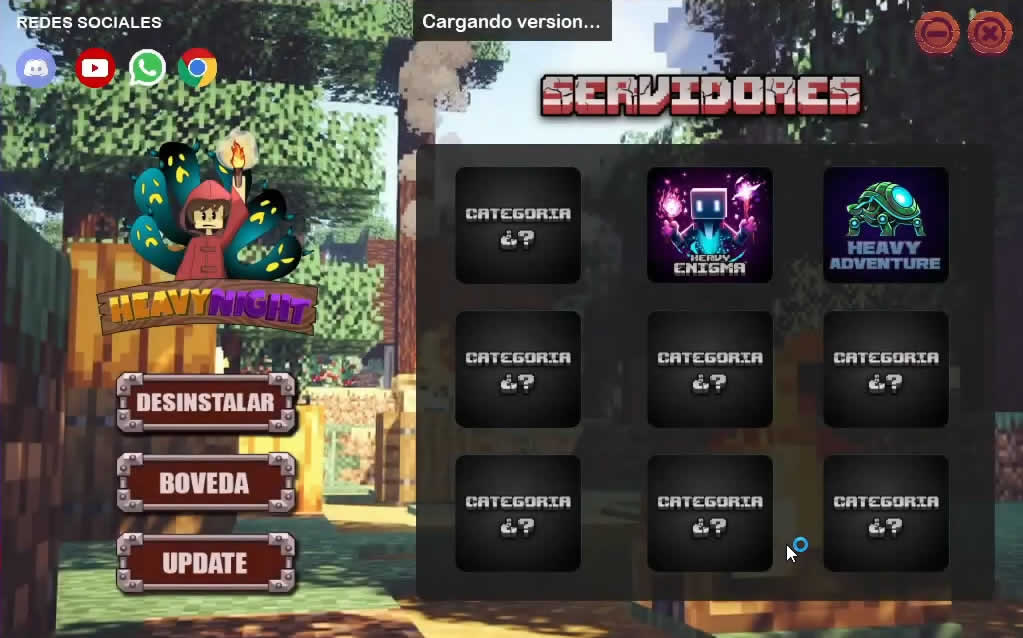
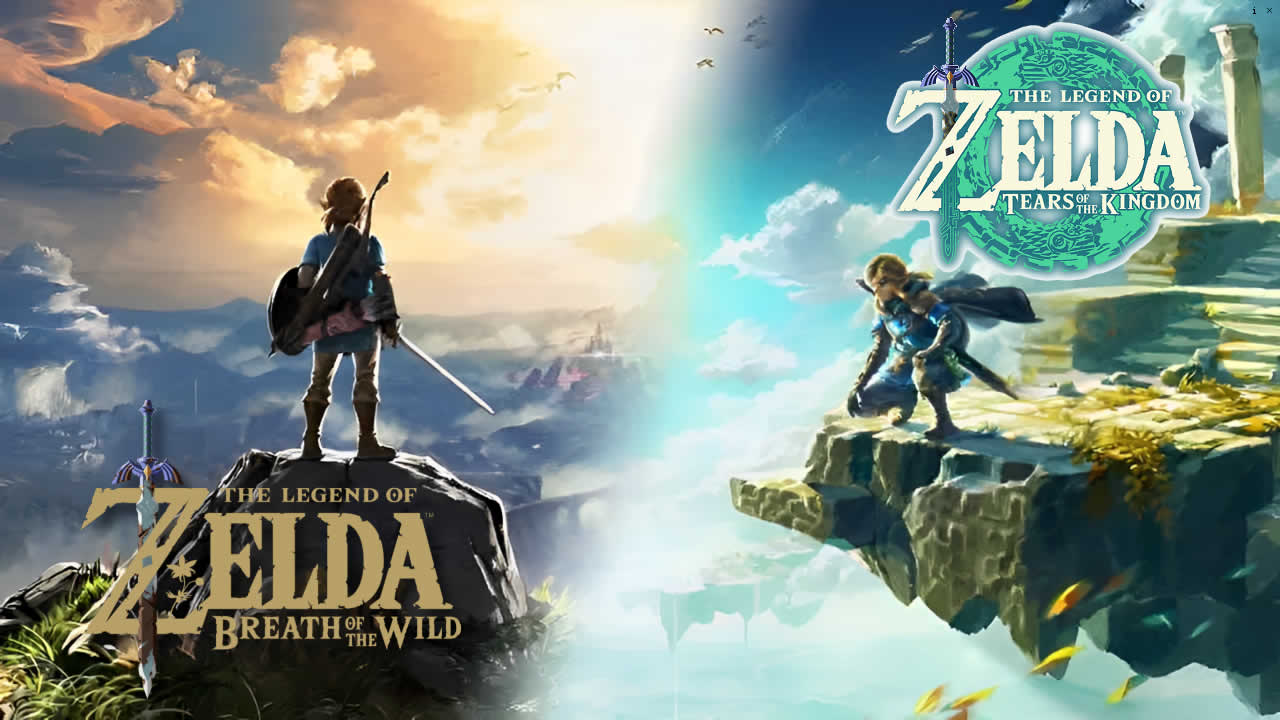
Join creators using GLC to centralize onboarding, updates, support, and player communication for their Steam communities.
Give players one launcher for onboarding, server access, support links, and updates.
The Steam Plugin made it easy for us to build a cleaner front door to our server. Players get a better first-run experience and we spend less time repeating setup steps.
Say "Hello" to our latest users after you purchase and enter our Discord server 💬😉
 jackson abbey
Joined:
Justin Yancey
Joined:
Raphael Berthiaume
Joined:
Simon Hovorukha
Joined:
Giovanny Olivares
Joined:
Krists Gura
Joined:
jackson abbey
Joined:
Justin Yancey
Joined:
Raphael Berthiaume
Joined:
Simon Hovorukha
Joined:
Giovanny Olivares
Joined:
Krists Gura
Joined:Get clear answers about setup, support, updates, and what is included before you buy.
Check the editor and runtime support before you roll the launcher out to your players.
Game Launcher Creator works on Windows, macOS, and Linux.
The base runtime is cross-platform. Steam launcher flows depend on the target title, operating system, and the actions you configure.
Modern dual-core CPU, 4GB RAM, and a 1080p display for a comfortable editing workflow.
About 50MB for the editor plus an active internet connection for account access, publishing, and downloads.
Use the docs, tutorials, and community support to get your Steam launcher live faster and keep improving it.
Follow practical setup walkthroughs for launcher building, updates, and Steam workflows.
Look up settings and launcher behavior quickly without guessing your way through the editor.
Join the community after purchase for help, examples, and feedback while you ship your launcher.
Steam powers a huge range of multiplayer communities, from survival servers and tactical shooters to sandbox roleplay, co-op builders, and mod-heavy game ecosystems. Even when the game itself is strong, communities still lose players when joining means hidden browser listings, confusing App ID steps, or a messy chain of manual instructions before the real experience starts.
Server owners and clan communities built around Steam titles often depend on Discord links, connection guides, support pages, update notes, and extra resources that are not handled well by default menus. Once you manage multiple servers, modes, or game communities, onboarding becomes less about one button and more about keeping server access, community messaging, and support information organized.
Game Launcher Creator is a Steam launcher creator that helps you centralize that process. Use it to improve onboarding, publish updates, organize mod or file delivery where needed, add your own branding, surface Discord integration, build direct server access flows, support patching guidance, and manage your community from one custom launcher instead of relying on fragmented browser paths.
Whether you run one server or a wider Steam-based network, a custom Steam launcher gives your players a clearer first-click experience and gives you more control over how your community is presented, supported, and grown.
Game Launcher Creator (GLC) can launch into games available through Steam, local executables, or custom URI flows. Compatibility depends on the workflow you build and the systems your community uses.
Copyright and asset usage: Any copyrighted or trademarked assets used inside launchers created with our software remain the responsibility of the user or project owner. ByteBox Media does not host third-party copyrighted or trademarked assets on our servers. If you believe any content infringes your rights, please contact us by email.
ByteBox Media and Game Launcher Creator are not affiliated with Valve Corporation, Microsoft, or Mojang. We only advertise workflows that are currently supported by our product and community.
Note: ByteBox Media and Game Launcher Creator have no affiliation, endorsement, or partnership with Steam or Valve Corporation.