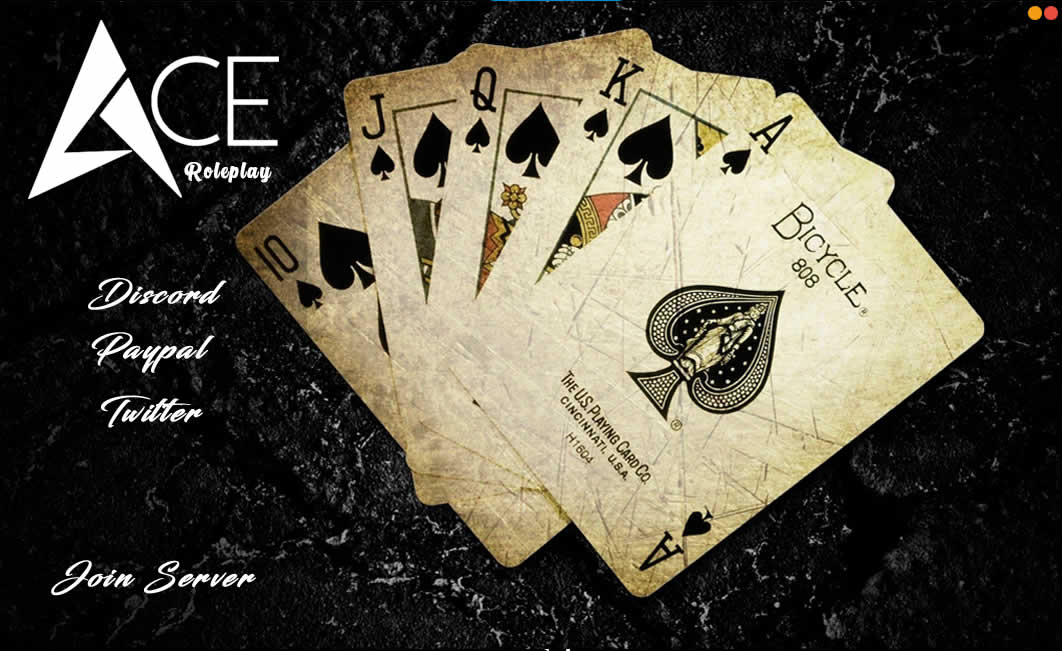
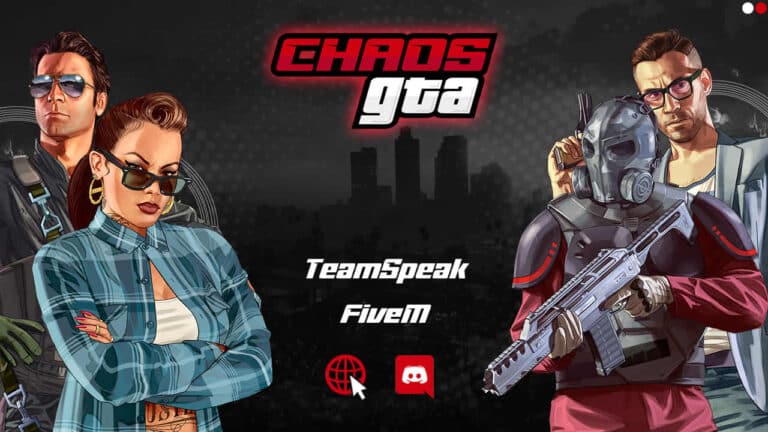
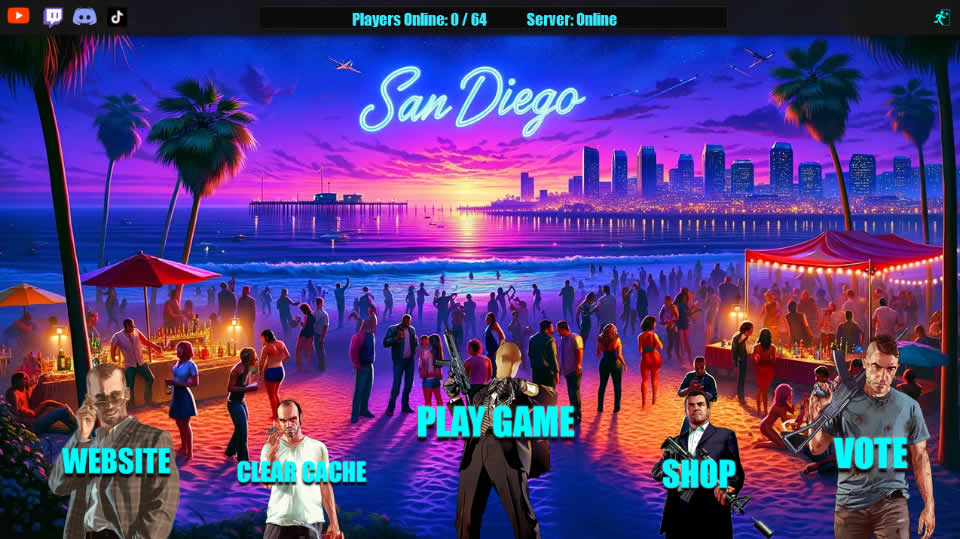
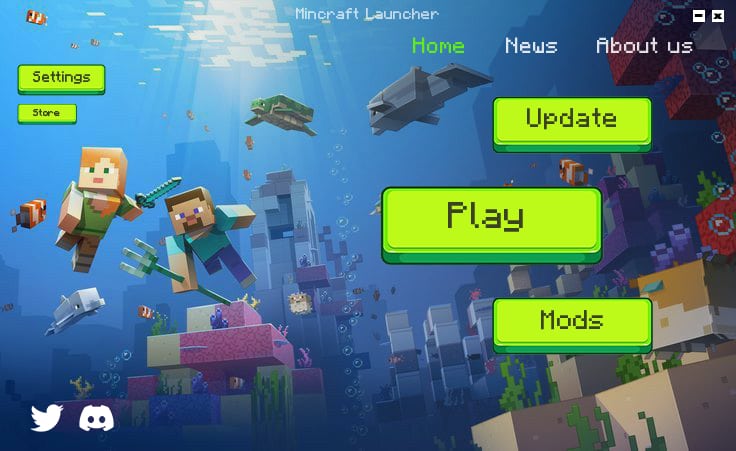
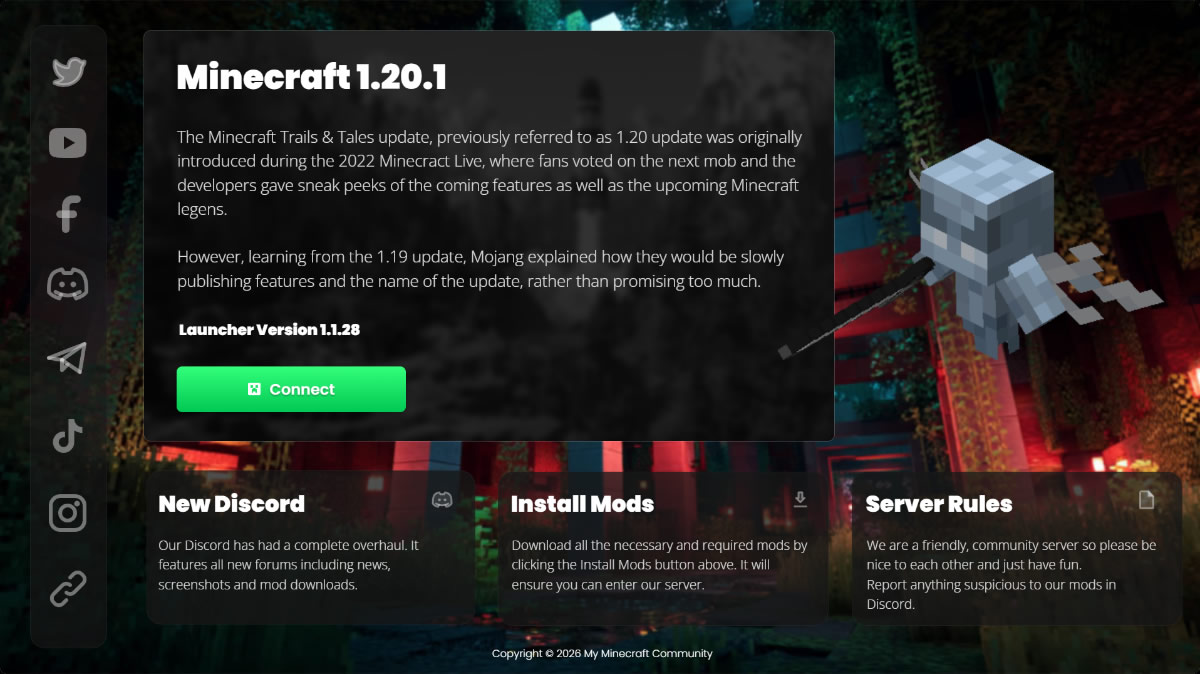
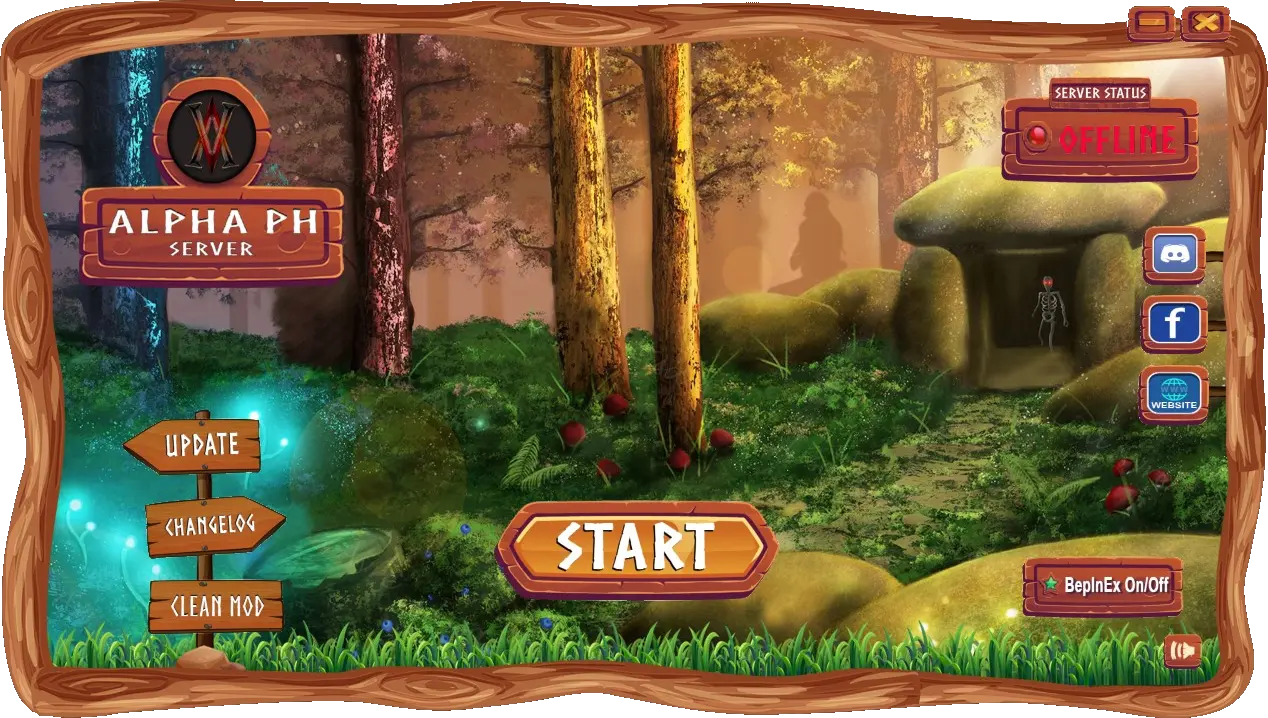
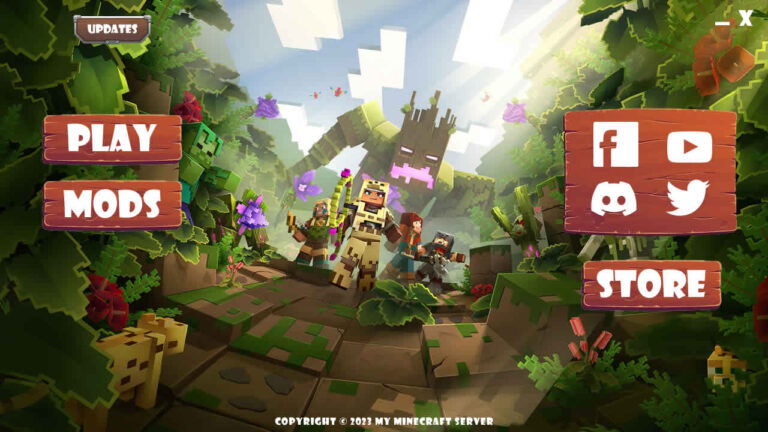
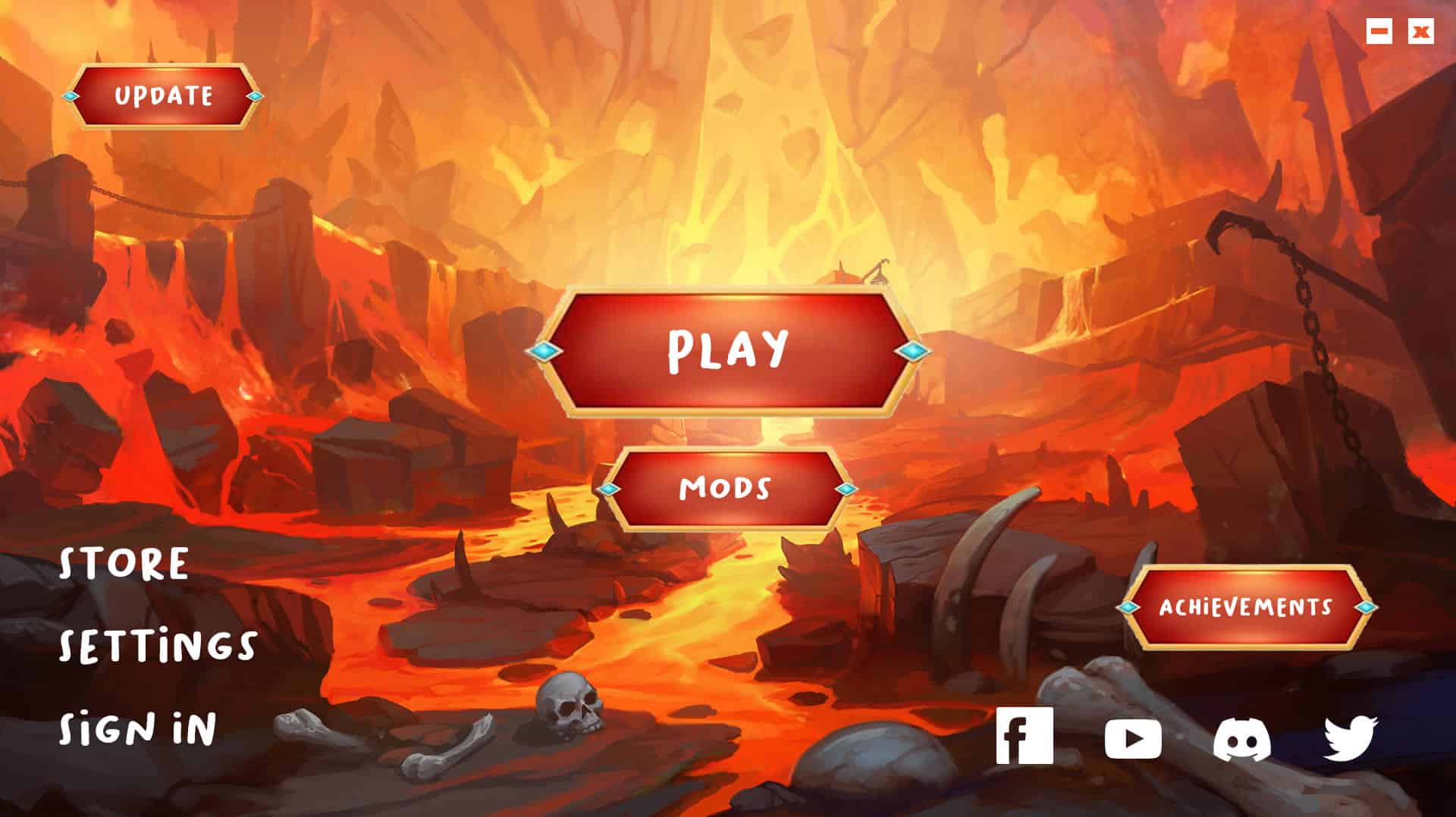
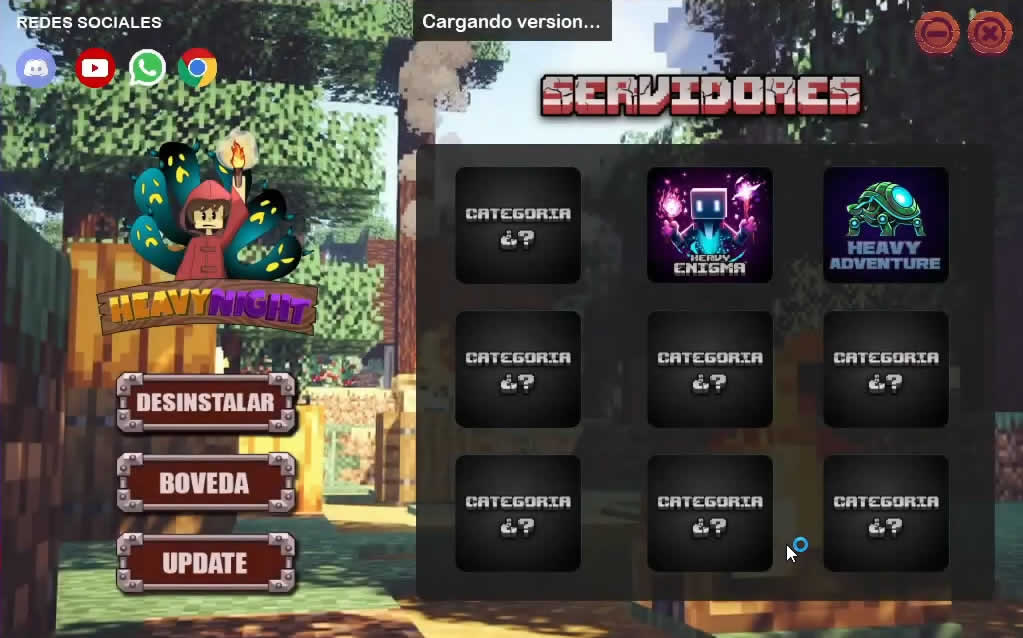
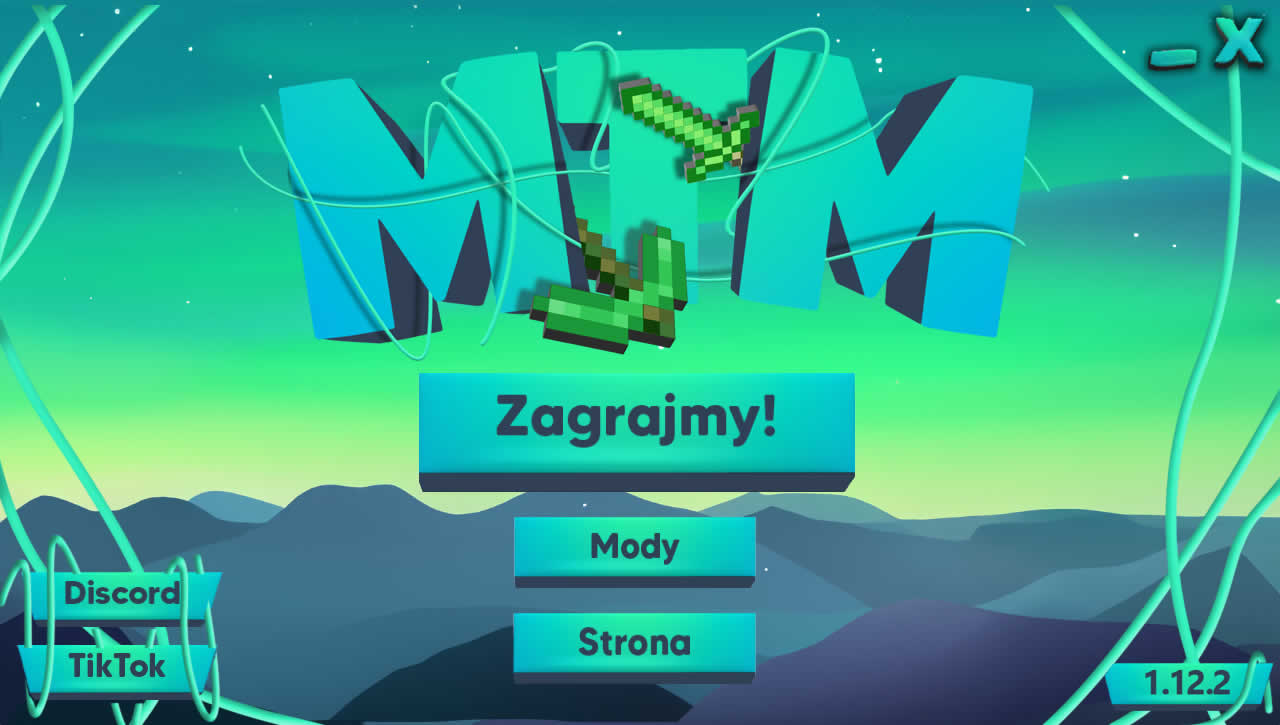
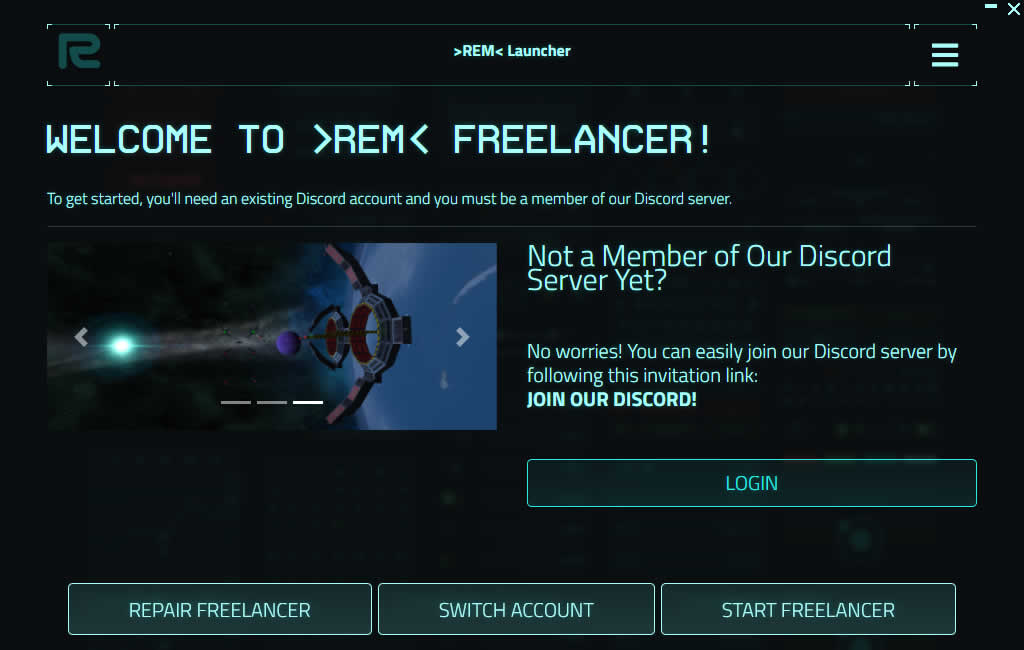
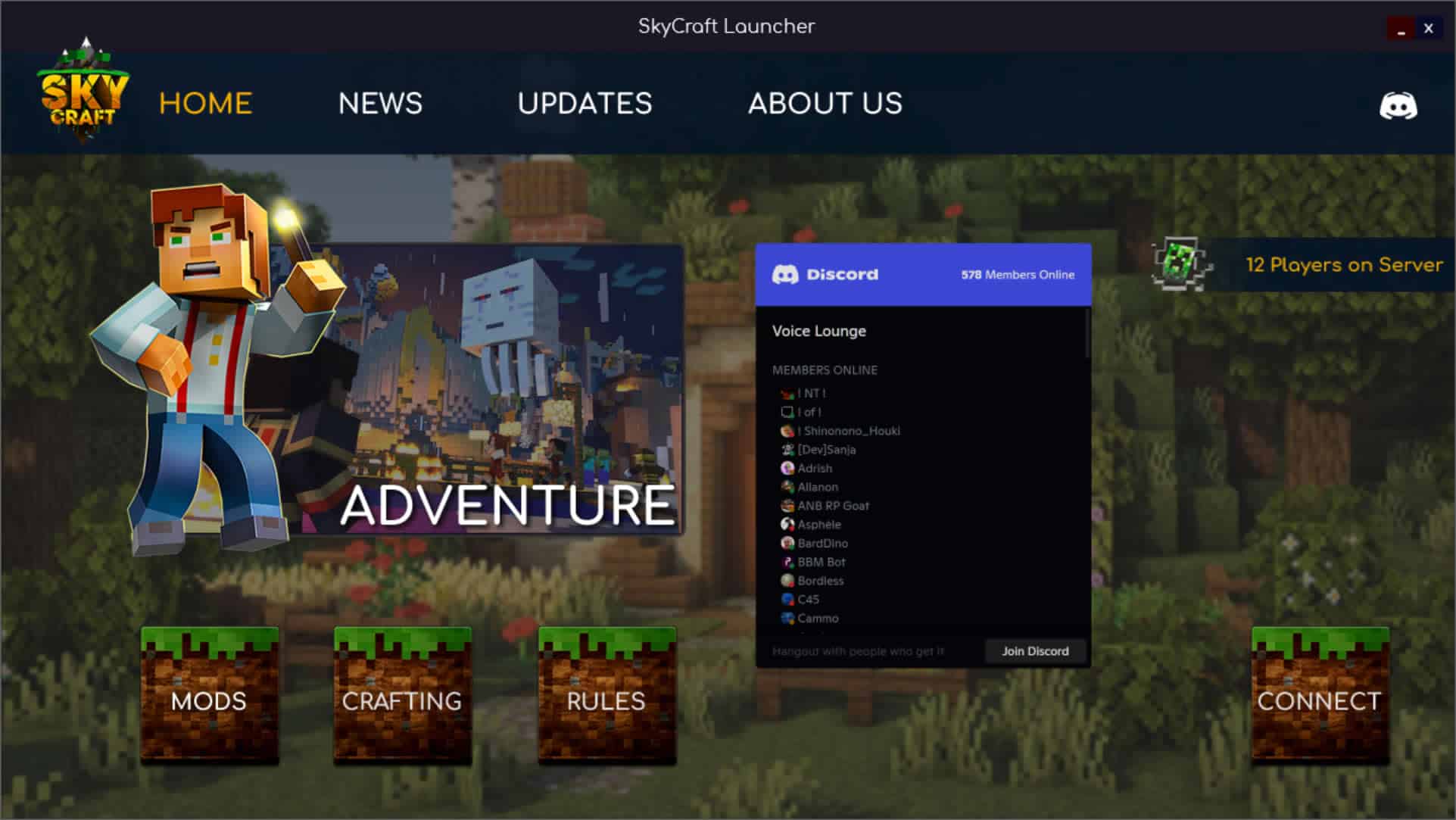
Be the Creator. The Developer.

Custom Launchers & Patching Systems for Godot Games

There's never been an easier way to design and develop your own professional custom game launcher for any Godot developed game or application than Game Launcher Creator.

Zero-Code Interface Event Action System Dynamic Variables Cloud Patching Native Windows™ Binary Native MacOS .app Native Linux Binary Standalone Executable
game launcher creator - godot workspace
Build
SPECIAL OFFER

Developer Edition Bundle

Game Launcher Creator is currently on a Special Offer for Indies, Game Developers and Studios.

Be The Developer

Advanced Developer Capabilities

Game Launcher Creator enables both beginners and experienced developers to construct professional game launchers using native data engines and logical flow control.

sys.events

Event Action System

Define an action or a sequence of actions to execute instantly when a user interacts with a button, rendering custom logic natively.

sys.global

Global Events

Access background trigger points around your launcher system, such as startup or shutdown, to create a truly interactive state machine.

sys.logic

Advanced Logic & DOM

Stack commands, manipulate UI objects mid-sequence, read external APIs, and halt execution flows conditionally based on live checks.

sys.vars

Dynamic Variables

Utilize pre-defined system variables or initialize your own custom variables in memory to route data seamlessly throughout your launcher.

Unity
Unreal Engine
Godot
GameMaker
Clickteam Fusion
Custom C++
Unity
Unreal Engine
Godot
GameMaker
Clickteam Fusion
Custom C++
Inside The Editor

Visual Design. Native Power.

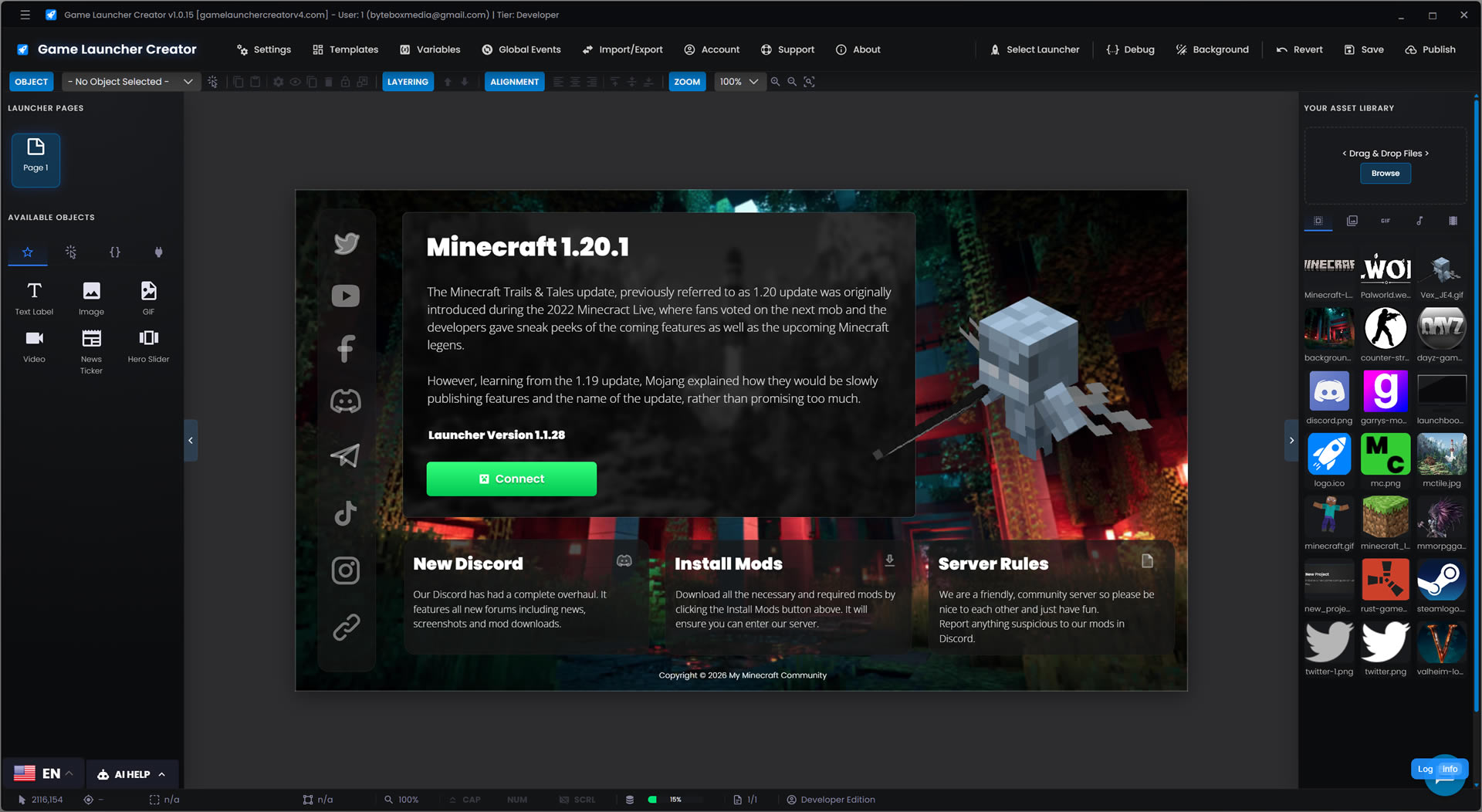
Take a look at how easily you can construct your launcher without writing a single line of code.

Drag & Drop Interface

Visually place buttons, images, and videos exactly where you want them.

Event Action System

Link complex logic and execute commands instantly on events everywhere.

Custom Styling

Customise every single object with advanced and custom styling.

Variable System

Create, Edit and Manipulate variables at runtime to manage data.

Asset Libraries

Import your own assets or use our extensive built-in library for free.

Game Launcher Creator - Editor Preview

You Design the Interface.
We Handle the Game Patching.

The ultimate power couple. Inject the LaunchBoost plugin directly into your Game Launcher Creator project to deploy professional, high-speed game patching seamlessly.

100% Free GLC Plugin
Active LaunchBoost.io Subscription Required
GLC Developer Edition Recommended

Silent Mode & TCP Pipeline

LaunchBoost runs invisibly in the background. It streams real-time delta-patching data directly to your launcher's variables via a local TCP socket. Just bind %patch_progress% to your UI elements for a flawless, native update experience.

Custom Godot Game Launcher
Initializing LaunchBoost Engine... -- MB/s
0%
Developer Edition Exclusive

Native Logic Engine

Go beyond basic buttons. The Native Event Action System gives you the power to build complex, conditional sequences specifically tailored to your Godot deployment without writing a single line of code.

Stack & Manage Sequences

Stack an infinite number of actions to run sequentially. Check your studio's API, read local configs, and launch your Godot binary in one continuous flow.

Dynamic Variables & Halt Points

Compare runtime variables instantly. Halt the launch sequence if essential game files are missing or if your server is flagged as offline.

Native Data Parsing

Read and write JSON, XML, or INI files directly to the user's disk to manage Godot player preferences and save data natively.

Flow: Play Button onClick
01
Get Value From JSON Path Target: api.studio.com/godot_status
02
Compare a Variable If %server_status% != "online" -> HALT
03
Set Object Property Change status_label to "Launching..."
04
Launch Application Execute Godot_Win64_Shipping.exe
Data Routing Engine

Dynamic Variables

Static launchers are a thing of the past. Inject real-time data into your Godot launcher using our powerful Variable Engine. Read local system stats, parse remote APIs, and bind data seamlessly across your entire project.

Bind to Object Properties

Map any variable directly to your UI. Tell a text label to display %player_name% or bind a progress bar to %download_percent% for real-time updates without writing loops.

Dynamic Paths & URLs

Never hardcode a path again. Use system variables like %appdata% or custom variables in your Event Actions to target dynamic installation directories or remote API endpoints.

System & Custom Memory

Access dozens of pre-built system variables (CPU, RAM, OS Version) or initialize your own custom variables in memory to pass data between pages and sequences.

Live Variable Inspector
Variable Name Current Value (Memory)
%sys_os%
"Windows 11 (10.0.22621)"
%install_dir%
"C:\Games\Godot_Project"
%patch_progress%
0
%server_status%
"ONLINE"
UI Text Label Binding:
Updating Game Files... 0%
The Arsenal

Design Without Constraints

Explore the comprehensive library of drag-and-drop elements. Click any object in the toolbox below to inspect its capabilities.

Basic Elements
Interface & Inputs
Advanced & API
Object Inspector

Text Label

Standard Edition

Highly customizable static text elements with full font, color, and alignment control.

Object Capabilities:
  • Custom Fonts
  • Shadows
  • Auto-Scaling
Modular Architecture

Power-Up with Plugins

Expand your Godot launcher's capabilities with native integrations, advanced monetization tools, and direct server connections.

Important Note on Plugins: To keep the core Developer Edition lightweight and affordable, most Plugins are modular add-ons. While some (like Steam and LaunchBoost) are free, others may require a separate premium purchase or external subscription.

LaunchBoost.io Patching

High-speed, embedded game updates.

The ultimate power couple. Inject the LaunchBoost plugin directly into your project to create fully custom, embedded update experiences without writing a single line of code. Note: While the plugin is free, a LaunchBoost subscription is required.

  • Silent Background Mode: Download and patch files invisibly without clunky popups.
  • Delta Patching: Only download files that have changed, saving massive bandwidth.
  • Variable Binding: Stream patch progress directly to your custom launcher progress bars via TCP.

Launcher Login System

The ultimate membership ecosystem.

Transform your launcher into a fully-fledged membership portal. Host the secure web-script on your own domain and control exactly who has access to your game, updates, and community features.

  • Native Features: Users can sign up and log in directly from your custom launcher. No coding.
  • Role-Based Access: Restrict specific pages, objects, downloads or game launches depending on the user's assigned role.
  • Self-Hosted Security: 100% data ownership. You host the backend PHP/MySQL script.

Discord Rich Presence

Keep your community engaged.

Broadcast your game to the world. The Discord Rich Presence plugin links your launcher to the Discord client, showing friends exactly what your players are up to inside your server or game.

  • Dynamic States: Update presence from "In Main Menu" to "Playing on Server #1".
  • Custom Artwork: Display your game's logo and custom tooltips on user profiles.
  • Time Tracking: Show exactly how long a player has been active in your session.

Steam Bridge

Seamlessly interface with the Steamworks API.

Configure the connection to your Steam game server. The App ID is required for the launcher to identify the game client, allowing you to build launchers for custom GMod, ARK, or dedicated Steam deployments.

  • App ID Binding: Automatically verify game ownership and trigger the Steam bootstrapper.
  • Server IP & Port: Route players directly into your dedicated server instance.
  • Workshop Support: Trigger workshop content downloads prior to launch.

Minecraft Pro

Direct connectivity for Java & Bedrock Servers.

Designed specifically for modpack creators and server networks. The Minecraft plugin allows your launcher to communicate directly with your game server before the user even hits play.

  • Live Server Pinging: Display real-time MOTD and active player counts on your launcher.
  • Direct Connect: Launch the game and bypass the multiplayer menu straight into your server.
  • Forge & Fabric: Full support for the most popular modding APIs.

FiveM Connect

The ultimate tool for GTA V roleplay communities.

Bypass the chaotic public server browser. Give your community a dedicated FiveM Launcher that streams your latest server rules, Discord updates, and connects them directly into your city.

  • Cfx.re Integration: Connect directly using your server details.
  • Live Queue Status: Pull data from your server to display current queue lengths in the UI.
  • Cache Clearing: Add automated 'Clear Cache' buttons to resolve player connection issues.

System Specifications

Engineered using a high-performance architecture, Game Launcher Creator builds natively across multiple platforms.

Windows
macOS
Linux
  • Processor & RAMModern Dual-Core / 4GB RAM
  • Display Resolution1080p Minimum Recommended
  • Storage Space~50MB Disk Space required
  • ConnectivityActive Internet Connection
Community Hub

Recently Joined

Say "Hello" to the newest developers building custom launchers for Godot.

niet

niet

Joined...
ZeTk011

ZeTk011

Joined...
sacredcodewriter

sacredcodewriter

Joined...
dirklionheart

dirklionheart

Joined...
joshon42

joshon42

Joined...
Rebelader

Rebelader

Joined...
Instant Access

Upgrade Your Deployment

Join thousands of studios deploying their games faster. Choose the plan that fits your studio's workflow.

Developer Edition

Godot Pro Bundle

Everything you need to deploy a professional Godot launcher.

  • Full Access to Events-Action Logic System
  • Special Developer Objects
  • Steam Integration
  • Custom CSS Injection Engine
  • Exclusive Developer-Only Templates
  • LaunchBoost.io Patch Plugin Free
  • Native Variable Routing & API Parsing
  • Manage up to 5 Launcher Projects
  • Dedicated Developer Support
  • Cross-Platform Editor
GLC Editor
LIMITED OFFER - SALE PRICE
00Days
:
00Hours
:
00Mins
:
00Secs
Annual Save 41% Lifetime
$10 / mo

Billed annually at $204 $120

$300

One-time payment. Yours forever.

+ LaunchBoost.io Plugin (100% Discount)
+ Steam Bridge Plugin (100% Discount)
Made with ❤️ in the UK Flag by Bytedox Media since 2017.
Get Instant Access
Instant Key
Free Updates
Dev Support
Worldwide
Secure 256-bit Checkout. Prices in USD.

Join the Community

Over 9,000 active developers and server owners.

Got Questions?

Frequently Asked Questions

Not at all! While your game is built in Godot, your custom launcher is built using our zero-code, drag-and-drop visual editor. You control the flow using our native Event Action system without writing a single script.
Yes. You can easily pass standard engine arguments like --windowed, --fullscreen, or your own custom arguments directly from the launcher into your game's compiled executable upon launch.
Absolutely. Whether your game is a lightweight pixel-art 2D platformer or a massive open-world 3D game, our LaunchBoost integration handles large .pck files and delta-patching flawlessly, ensuring players only download what has changed.
Yes. Game Launcher Creator executes the compiled binary file, so it seamlessly boots your application regardless of the export template or build configuration you utilized in Godot.
Yes. When you publish an update to the launcher itself (such as changing the background image or adding a new button), our system automatically updates the launcher for all of your users upon their next boot.
Yes! You can use the WebView object to embed full external web pages, HTML5 elements, cash shops, or live leaderboards right inside the launcher interface using a Chromium-based engine.
The Game Launcher Creator Editor is fully compatible with Windows, macOS, and Linux. You can design your launcher on your preferred operating system.
Absolutely. You can import your own background images, button graphics, transparent UI elements, MP4 videos, and custom fonts to ensure the launcher matches your game's exact branding.
Yes. There are no license restraints. The only limitation is, only one IP can be logged into the editor at any one time. You are free to share your account amongst teams.
LaunchBoost.io is our very own Patching software. It is a separate software product but we have developed a free plugin to integrate your patching directly into your game launchers.
We have developed a very special Custom CSS feature. It allows you to style and animate the look and feel of components beyond the primitive properties. We have coded support for external libraries, for example you can import Fonts and Icon packages like Font Awesome. You are free to try other libraries but we can't make any guarantees.

Custom Godot Launchers

Godot is a world-leading, cross-platform game engine that has democratized game development for millions of creators worldwide. From solo indie developers to mid-sized studios, it provides an incredibly versatile, open-source ecosystem for building interactive 3D, 2D, VR, and AR experiences. Its lightweight yet powerful architecture allows developers to build once and deploy across dozens of platforms, including PC, consoles, mobile devices, and the web, making it an indispensable tool in modern game development.

At the core of the engine is a highly flexible Node and Scene-based architecture, powered by languages like GDScript, C#, and native C++ via GDExtension. This allows developers to craft complex game logic, AI systems, and intricate mechanics with precision and performance. Whether you are utilizing the Python-like GDScript for rapid iteration or compiling down to native code for maximum performance, the engine adapts to the specific needs of your project.

Visually, Godot is capable of stunning graphical fidelity. Through its advanced Forward+ rendering pipeline, developers can utilize SDFGI (Signed Distance Field Global Illumination) and Voxel GI for highly dynamic lighting and reflections, pushing the boundaries of realism on modern hardware. Advanced features like volumetric fog, real-time compute shaders, and a dedicated, highly optimized 2D rendering engine allow technical artists to bring their most ambitious visions to life.

Beyond graphics and code, the ecosystem is bolstered by an ever-growing Asset Library and a massive suite of built-in tools. From the integrated physics engines and the versatile AnimationPlayer, to the AnimationTree and robust UI control nodes, developers have everything they need to craft cinematic sequences and robust gameplay loops right out of the box.

However, completing your game is only half the battle. When it comes time to distribute your masterpiece to the public or your dedicated community, relying on standard desktop shortcuts or basic zip files simply isn't enough. Providing a seamless, branded onboarding experience is crucial for player retention, delivering patch notes, and managing game updates.

This is where designing a Custom Godot Launcher becomes essential. A dedicated launcher acts as the ultimate gateway to your game, allowing you to showcase live news feeds, patch notes, server statuses, and social links before the player even hits the play button. It ensures that your players are always running the latest version of your game by silently handling background updates and delta-patching.

Historically, building a Custom Game Launcher Godot developers could rely on meant wasting valuable development sprints wrestling with WPF, WinForms, or Electron, pulling resources away from the game itself. Now, with Game Launcher Creator Developer Edition, studios can visually design, logic-route, and deploy a native, lightning-fast launcher in a matter of hours, complete with dynamic variables, Discord integrations, and LaunchBoost patching capabilities.

Documentation & Tutorials

We know how important it is to get up and running quickly. That's why we have written extensive documentation and video tutorials.

Tutorials Video Guides Discord Support
Upgrade Your Pipeline

Ready to Elevate Your Studio?

Stop wasting development time on a custom launcher and update system. Get Game Launcher Creator today.

Download - Instant Access
GLC Editor