
Pixel-Perfect Precision.
Zero Code Required.
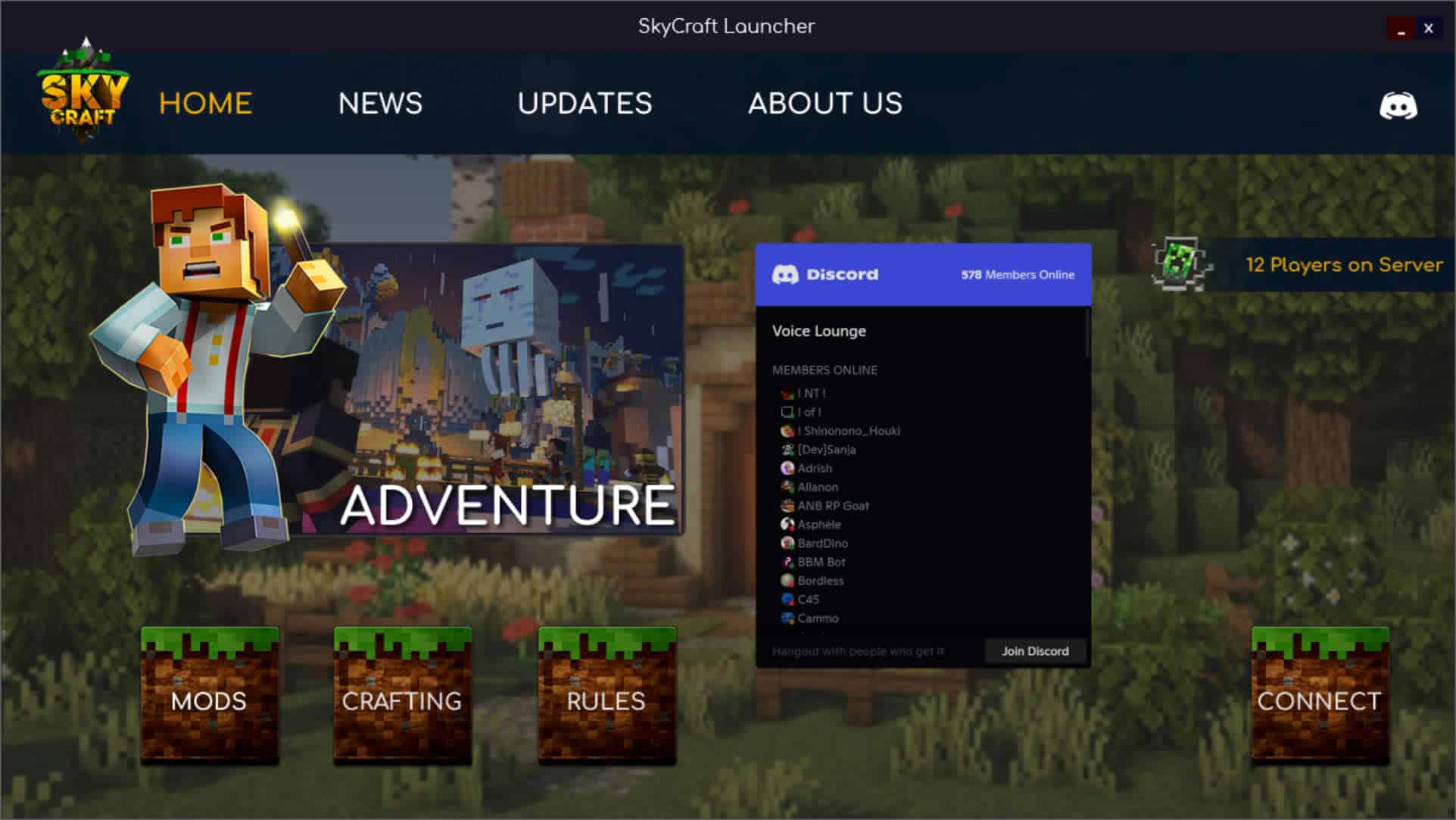
Build your game launcher exactly how you envision it. Our cross-platform WYSIWYG editor gives you total control over every element, layer, and interaction.
From Concept to Deployment
If you can use a mouse, you can build a professional game launcher. The workflow is designed for speed and uncompromised creativity.
Select Object
Choose from dozens of pre-built UI objects including buttons, webviews, sliders, and live server trackers from the expansive library.
Drag to Canvas
Place your object anywhere on the free-form canvas. Utilize smart-snapping guidelines to perfectly align your interface elements.
Configure Properties
Select your object and tweak its properties. Bind it to an event, alter its hover states, or connect it to your game server.
Inject Custom CSS
Break free from the defaults. Need a pulsating neon glow on hover? A smooth slide-in animation? Select any object on your canvas and inject your own raw CSS directly into it.
Build custom keyframe animations. Override complex hover/active states. Limitless aesthetic control for developers.
Build It Your Way
Whether you're a seasoned UI designer or just starting out, the editor adapts to your workflow. Start from a blank canvas or hit the ground running.
Bring Your Artwork
Total creative freedom. Import your own custom-designed PNGs, JPGs, and GIFs. If you can conceptualize and design it in Photoshop, you can build it in Game Launcher Creator.
Cloud Asset Library
Not a designer? No problem. Tap directly into our massive online asset library featuring thousands of high-quality buttons, backgrounds, and UI elements ready to be dragged onto your canvas.
Design in the Cloud.
Deploy Natively.
Your workspace lives securely in the cloud. Log in from any browser to build, tweak, and save your progress instantly without downloading massive SDKs.
But when it's time to ship, the GLC build servers compile highly optimized, standalone native executables for your players. A single, standalone executable.
Native Windows™ (.exe) Native macOS (.app / .dmg) Native Linux (AppImage / Binary)