
Minecraft is one of those games that sounds simple until you actually try explaining it to someone.
“It’s a block game.”
Right. And Star Wars is just a film about a bloke with asthma.
Underneath the dirt, stone, pigs, creepers and suspiciously angry skeletons, Minecraft has become an entire platform. Players build cities, run servers, make adventure maps, install mods, create texture packs, script systems, record videos, host communities, run events and occasionally spend three hours trying to find one sheep because they accidentally punched the last one off a cliff.
But one question keeps coming up again and again:
Minecraft Bedrock or Minecraft Java?
And it is not just a tiny technical thing either. Choosing between Minecraft Bedrock and Minecraft Java changes how you play, who you play with, what mods you can use, how servers work, what kind of customisation you get and how much nonsense you are willing to tolerate before saying, “Right, I’m off to build a dirt hut and emotionally recover.”
The good news is that both versions are Minecraft. You mine. You craft. You punch trees with your bare hands because apparently Steve has wrists made from reinforced concrete. You fight mobs, brew potions, enchant weapons, build ugly first houses, then pretend they were “starter bases” when really they look like something assembled during a power cut.
But the two editions do have their own personalities.
Minecraft Java is the old school PC version. It runs on Windows, macOS and Linux, and it is the version most people think of when they talk about mods, custom servers, community tools, snapshots, technical redstone builds and absolute chaos in the best way. It is flexible, powerful and occasionally acts like it was held together by redstone dust and hope, which is part of the charm.
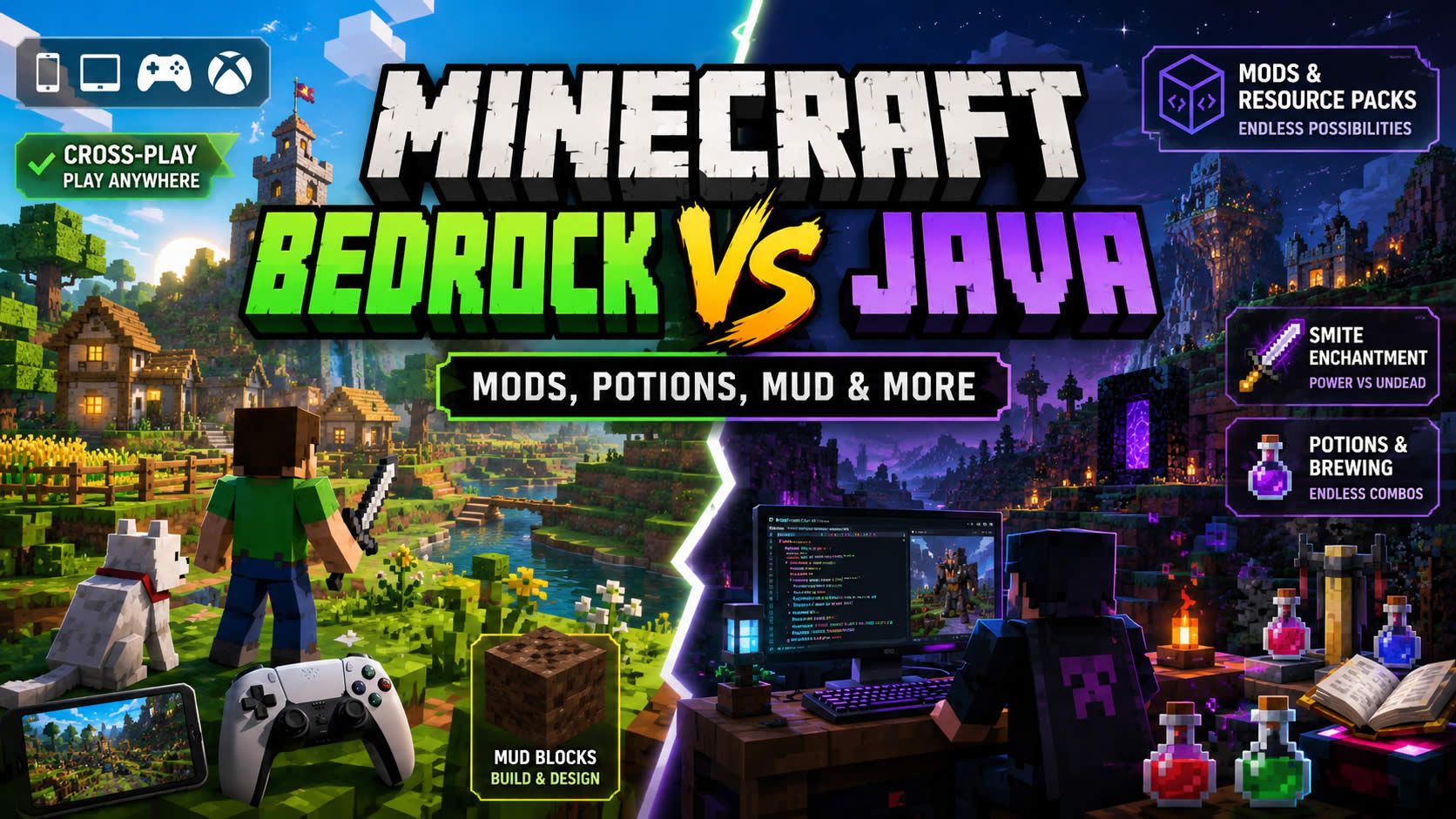
Minecraft Bedrock is the modern cross platform version. It runs on Windows, consoles, mobile and other supported devices. It is generally smoother on lower powered hardware, has built in controller and touch support, connects nicely across platforms and gives players access to Marketplace content. Bedrock is the version you pick when your mate is on Xbox, your cousin is on Switch, someone else is on mobile, and everyone wants to join the same world without needing a GCSE in port forwarding.
You can see the official comparison on the Minecraft Java and Bedrock Edition page, which explains how both editions now sit together for PC players.
So the blunt version is this:
Minecraft Java is for the tinkerers, modders, server owners, technical players and PC loyalists.
Minecraft Bedrock is for cross platform play, smoother performance, family play, console players, mobile players and anyone who just wants to get into a world without setting up sixteen different launch options like they are trying to boot a space shuttle.
Neither is “better” in a universal sense. It depends what you want.
If you want to play with friends across devices, Minecraft Bedrock usually wins. If you want wild mods, Java servers, deeper customisation and the full PC community experience, Minecraft Java is still the king sitting on a throne made of command blocks and broken sleep schedules.
And yes, Minecraft Bedrock and Minecraft Java still do not properly crossplay with each other by default. Java players play with Java players. Bedrock players play with Bedrock players. That is one of the big things to know before your entire group buys the wrong edition and everyone starts pointing fingers like a badly organised LAN party in 1998.
Bedrock, Java, Smite, Mud, Potions and the Good Stuff
Once you are actually in Minecraft, whichever edition you choose, the important questions begin.
Not “what is the meaning of life?”
No.
More like:
“What does Smite do?”
“How do I make mud in Minecraft?”
“Why did my potion turn weird?”
“What is the Verity mod?”
“Why are there seven creepers outside my house and why do they look organised?”
This is where Minecraft becomes less of a game and more of a giant digital playground full of tiny systems. Some players build. Some fight. Some farm. Some automate everything. Some install enough mods to turn Minecraft into a completely different game. Some make potion rooms that look like medieval chemistry labs. Some dig straight down and learn valuable life lessons.
Let’s start with Smite.
People often search “what is smite do in Minecraft”, which sounds like a creeper wrote the sentence, but the answer is simple enough. Smite is an enchantment you can put on weapons such as swords and axes. It increases damage against undead mobs. That means zombies, skeletons, drowned, husks, strays, phantoms, wither skeletons, zombified piglins, zoglins and the Wither. Basically, if it looks like it crawled out of a cursed bin at midnight, Smite probably helps.
Smite is not the same as Sharpness. Sharpness is a general damage boost. Smite is more flexible because it works against more enemies. Smite is more specialised, but against undead mobs it hits harder. If you are raiding Nether fortresses, fighting the Wither, clearing skeleton farms, or dealing with endless zombie nonsense, Smite is superb. It turns undead mobs into paperwork.
Then we have mud.
Mud in Minecraft is one of those blocks that sounds pointless until builders get hold of it and suddenly everyone is making rustic villages, swamp paths, mangrove houses, packed mud walls and earthy little ruins that make your old cobblestone box look like a bus shelter.
So, how do you make mud in Minecraft?
Grab a dirt block. Fill a glass bottle with water. Use the water bottle on the dirt. Done.
No incantation. No Nether trip. No weird trade with a villager who charges like he owns a mortgage company. Just dirt and water. Lovely.
You can also find mud naturally in mangrove swamps. Once you have it, you can use mud with wheat to craft packed mud, which then leads into mud bricks. You can also place mud above pointed dripstone and let it slowly convert into clay. That is brilliant if you want clay without spending your life scraping riverbeds like a Victorian pottery goblin.
Mojang has a nice official breakdown of mud over on the Minecraft mud block feature if you want the full muddy rabbit hole.
Now potions. Ah yes, Minecraft potion recipes, also known as “why did I put the wrong thing in the brewing stand and create another useless bottle of sadness?”
Potion brewing in Minecraft is powerful, but it is one of those systems that new players often ignore until they suddenly need fire resistance in the Nether and realise they have been living like a caveman with a wooden spoon.
The basic setup is:
You need a brewing stand.
You need blaze powder as fuel.
You need water bottles.
You usually need Nether Wart to create an Awkward Potion.
Then you add the ingredient that creates the potion effect.
A few useful Minecraft potion recipes to remember:
Potion of Healing uses Glistering Melon.
Potion of Strength uses Blaze Powder.
Potion of Swiftness uses Sugar.
Potion of Fire Resistance uses Magma Cream.
Potion of Night Vision uses Golden Carrot.
Potion of Water Breathing uses Pufferfish.
Potion of Regeneration uses Ghast Tear.
Potion of Leaping uses Rabbit’s Foot.
Potion of Poison uses Spider Eye.
Potion of Weakness can be made with Fermented Spider Eye.
Then you get modifiers.
Redstone usually extends the duration.
Glowstone usually increases strength but shortens duration.
Gunpowder turns potions into splash potions.
Dragon’s Breath turns splash potions into lingering potions.
Fermented Spider Eye corrupts or changes certain potion effects.
For example, Night Vision plus Fermented Spider Eye becomes Invisibility. That is very Minecraft. “I can see in the dark.” “What if we fermented a spider’s eye and made you vanish?” Wonderful logic. No notes.
If you want the full recipe tree, the Minecraft Wiki brewing guide is still one of the better references because it lays out potion bases, effects and modifiers without making you feel like you have accidentally enrolled in a chemistry degree.
Potions are one of those things that separate casual survival from proper survival. A player with no potions walks into the Nether like, “This is fine.” A player with fire resistance walks into lava like a smug little wizard.
Now, the Verity mod.
This one is slightly awkward because a lot of people say “Verity mod”, but the most common Minecraft result is actually Verity 16x, which is a resource pack rather than a gameplay mod. That means it changes the visuals, textures and feel of the game rather than adding new mechanics like mobs, blocks or systems.
That distinction matters.
A mod changes the game. It might add machines, bosses, dimensions, weapons, magic, backpacks, minimaps, quests or other systems.
A resource pack changes presentation. Textures, item models, GUI, sky, fonts, sounds and visuals.
So if someone is looking for the “Verity mod”, they may actually mean the Verity 16x resource pack. Very clean. Very PvP focused. Very much the sort of thing that makes your sword look sharper while you get folded by a twelve year old on Bedwars who has reaction times like a caffeinated spider.
And this is also where Minecraft Java has always had a massive cultural advantage. Java is the home of modding. Fabric, Forge, Quilt, OptiFine, Sodium, shaders, minimaps, performance mods, custom launchers, modpacks, resource packs, PvP packs, adventure maps, data packs, server plugins. It is not just a game installation. It is a workshop.
Minecraft Bedrock has add ons, Marketplace content, behaviour packs and resource packs too, but the ecosystem is different. It is more controlled, easier for younger players and families, and better integrated across devices. That is good for accessibility. It also means Bedrock does not feel quite as wild as Java.
In Java, someone will create a mod that adds fifteen machines, a moon dimension, nuclear reactors, item pipes, dragons, new food, backpacks, spells, cursed biomes and a book explaining none of it properly.
In Bedrock, you are more likely to find polished Marketplace packs, skins, worlds, add ons and cross platform friendly content that behaves itself a bit more.
That is the split.
Minecraft Java is your messy bedroom full of cables, tools, old magazines and half built robots.
Minecraft Bedrock is your clean console setup where everything generally works and nobody has accidentally installed a mod loader from 2016.
Both are useful. Both have their place.
For server owners, the choice also matters. Java servers have a huge legacy of plugins, server jars, custom mini games, modded servers and community systems. Bedrock servers exist too, and Bedrock dedicated server support is real, but Java still has the heavier community infrastructure for custom public servers.
If you are running a Minecraft community, a private server, a gaming clan, a modded world, a PvP group, or a YouTube community, you need to think about your audience first.
Are they mostly PC players? Java could be ideal.
Are they console and mobile players? Bedrock is probably the smarter choice.
Are they all over the place, with someone on Windows, someone on Xbox, someone on Switch, someone on mobile and one lad still trying to join from a tablet with 3 percent battery? Bedrock wins.
Are they mod hungry PC players who want custom mechanics, massive modpacks and full control? Java wins.
The fun bit is that on PC, Minecraft is now commonly sold as Minecraft Java and Bedrock Edition for PC, meaning many PC players get access to both editions in the same purchase. That is good news because instead of picking a side forever like some blocky console war, you can use each edition for what it does best.
Use Java for mods, custom PC servers and tinkering.
Use Bedrock for cross platform play, console friends, mobile friends and smoother casual multiplayer.
Nice and civilised. Almost suspiciously so.
Which One Should You Actually Play?
This is where I would normally do one of those neat little comparison tables, but let’s not pretend Minecraft players make decisions like accountants. Most people choose based on where their friends are.
If your friends are on Xbox, PlayStation, Switch, mobile or mixed devices, pick Minecraft Bedrock.
If your friends are on PC and talk about mods, shaders, Fabric, Forge, Hypixel, PvP packs, server jars or “just install these 186 mods mate, it only takes a minute”, pick Minecraft Java.
For parents, Bedrock usually makes more sense because the platform support, Marketplace, moderation tools and cross platform features are easier to manage. For teenagers and PC players who like experimenting, Java gives more freedom. For creators, both editions can be useful depending on what you are building.
Performance is another factor. Bedrock is generally smoother and more efficient on lower powered devices. Java can be heavier, especially with big render distances, shaders and mods. That said, Java performance mods like Sodium can make a huge difference, and the Java ecosystem is constantly evolving.
Now, from a gameplay point of view, Minecraft Bedrock and Minecraft Java are close enough that casual players can enjoy either. You can build. You can survive. You can mine. You can craft. You can fight the Ender Dragon. You can make farms. You can get lost. You can accidentally look at an Enderman and experience immediate customer service from the void.
But the tiny differences matter to dedicated players.
Redstone can behave differently. Combat can feel different. Add ons and mods are different. Servers are different. Marketplace is Bedrock focused. Hardcore and snapshot culture has historically been Java focused. Java has more technical freedom. Bedrock has stronger device reach.
So the real answer is:
Play Minecraft Bedrock when accessibility, cross platform play and smooth multiplayer matter most.
Play Minecraft Java when customisation, mods, technical play and PC community tools matter most.
Play both if you can, because choosing one permanently is like choosing between chips and gravy. You could, but why would you do that to yourself?
There is also a creator angle here that does not get talked about enough.
Minecraft is not just a game people play. It is a game people organise around. Servers need branding. Communities need news. Modpacks need instructions. Events need launch buttons. Players need the right version, the right files, the right links, the right server address, the right patch notes and the right place to click.
This is especially true for Minecraft Java communities running modded setups. Ask any server owner what happens when someone installs the wrong version of a mod. You can hear the sigh through the internet.
This is where a proper launcher becomes more than just a “play” button.
A custom Minecraft launcher can present your server brand, show news, display patch notes, link to Discord, check files, launch the right Minecraft version, guide users to the right modpack, include support buttons, promote events, show status updates and generally stop your community from turning into a support ticket bonfire.
For Minecraft Bedrock, a custom launcher or community hub can still be useful for branding, updates, server information, Marketplace style presentation, player guides, videos, links and community announcements.
For Minecraft Java, it can go even deeper, especially around modded files, version control, launch arguments, server packs and player onboarding.
That is the bit people overlook. The launcher is the first screen your players see. It sets the tone. A good one makes your server feel like a proper project. A bad one is just a folder full of files called “final final fixed v3 use this one.zip”, which belongs in a museum of digital suffering.
And that brings us nicely to Game Launcher Creator.
If you run a Minecraft server, modded Minecraft Java community, Minecraft Bedrock group, PvP network, adventure map project, private SMP, public server, clan, gaming community or creator brand, Game Launcher Creator lets you build your own custom Minecraft launcher without needing to code the whole thing from scratch. You can design the interface, add your branding, place buttons, link to your server, show updates, connect players to your community and create something that feels like yours.
Minecraft Bedrock and Minecraft Java both have their strengths, but your community is what makes the whole thing come alive. A custom launcher gives that community a front door.
And frankly, a front door is better than asking players to dig through Discord pins from 2022 like digital archaeologists.