
Be the Creator. The Developer.
Create Custom Game Launchers in Minutes.
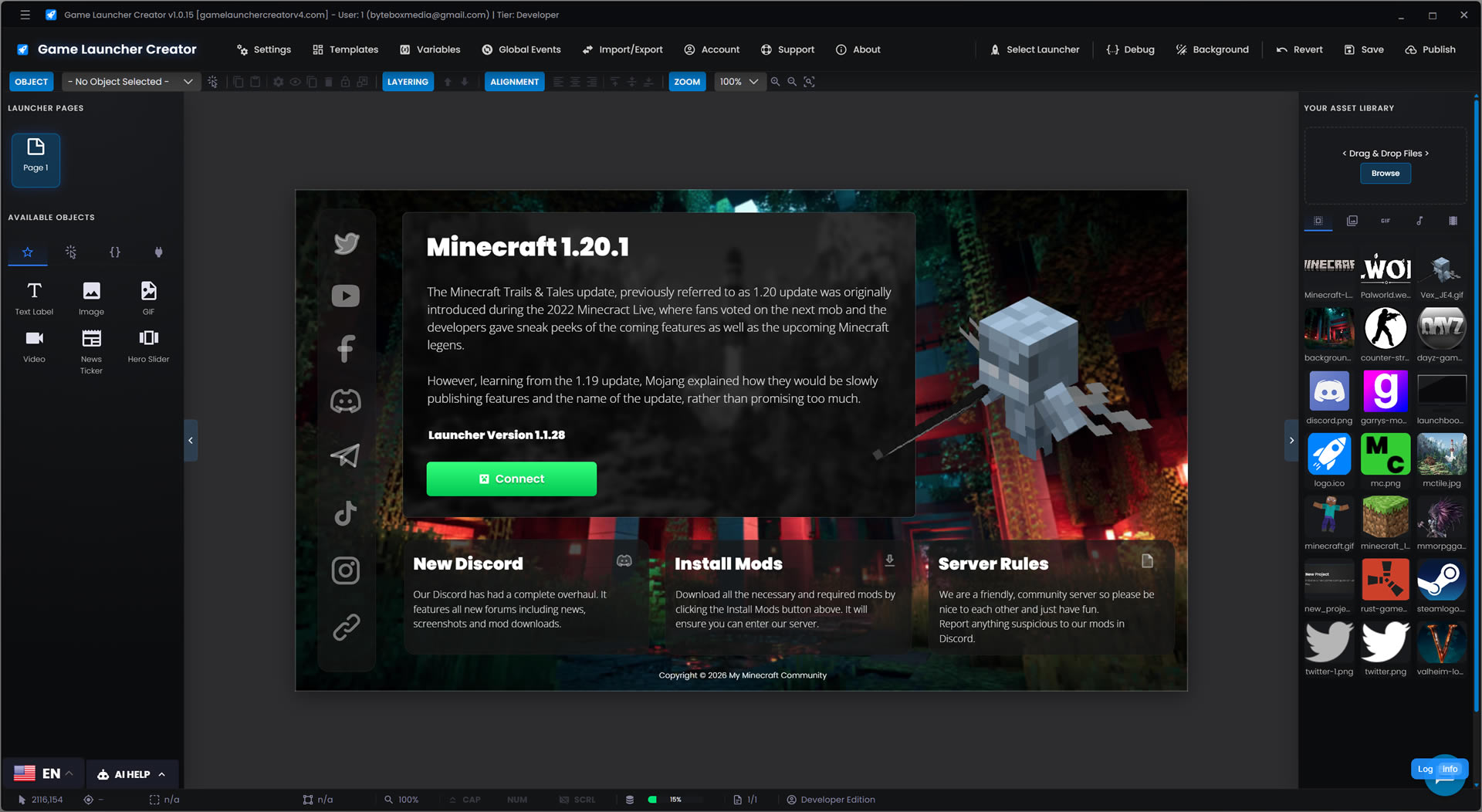
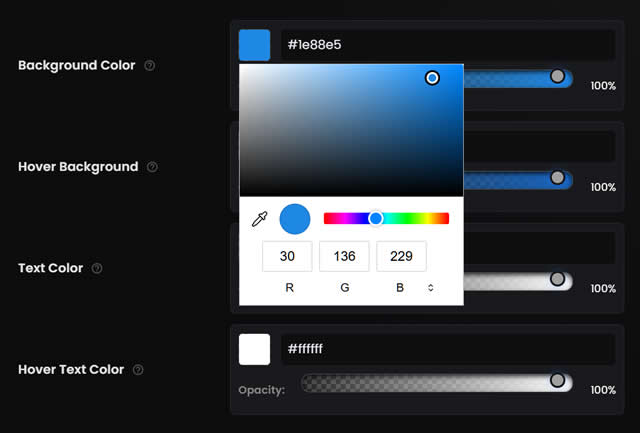
Drag & Drop Editor
Visually build your launcher with absolute precision.
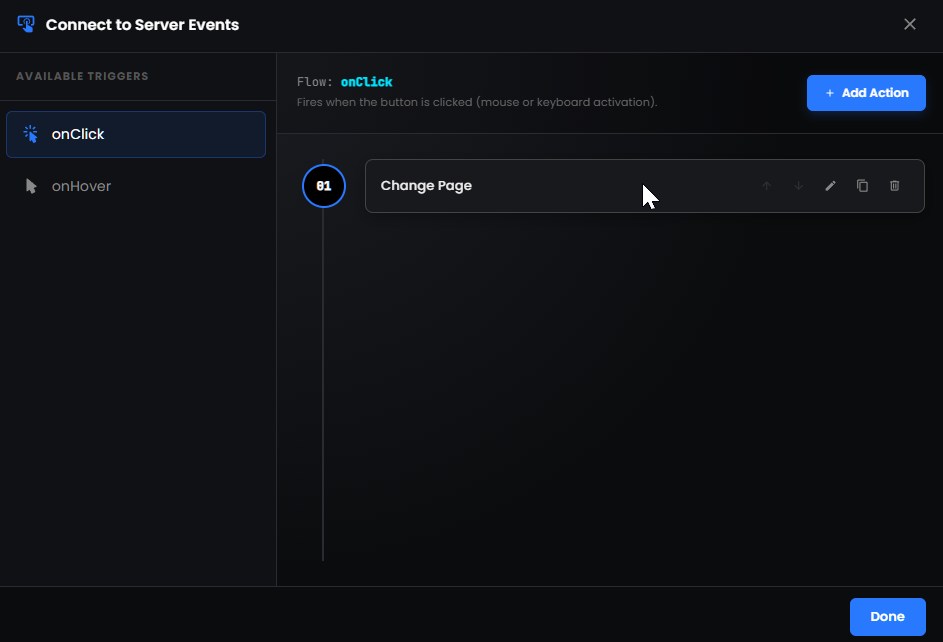
Events Actions
Powerful logic builder with no coding at all.
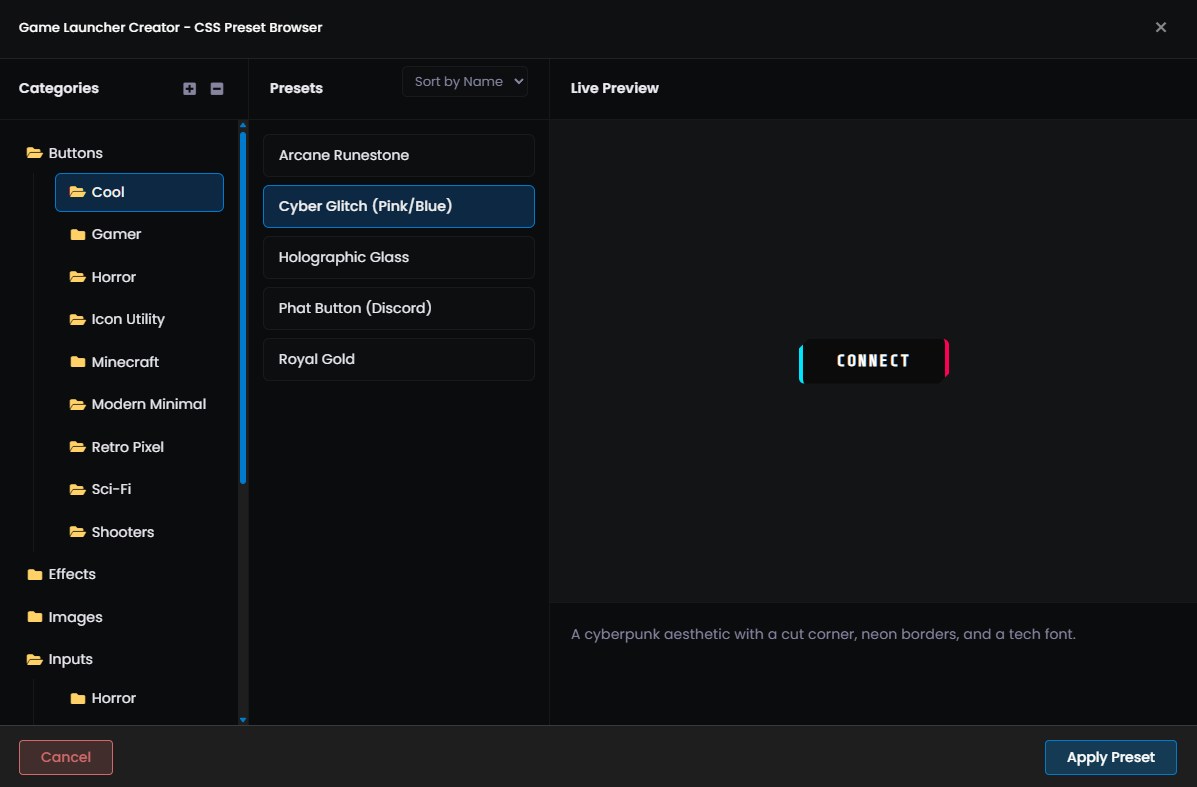
Custom CSS
Inject your own styling for limitless design possibilities.
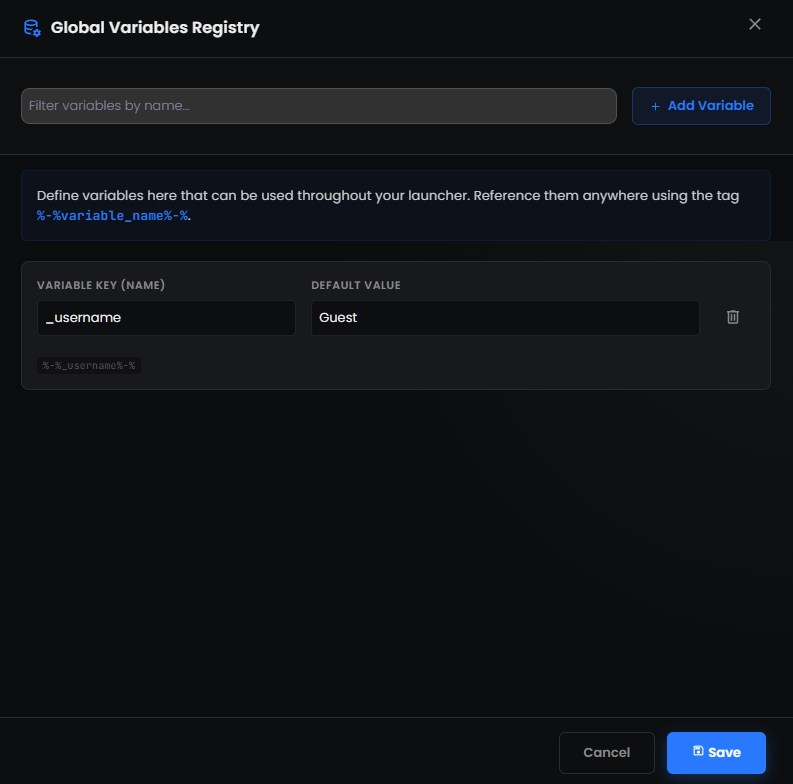
Variable System
Create, edit, load, save and manipulate data at runtime.
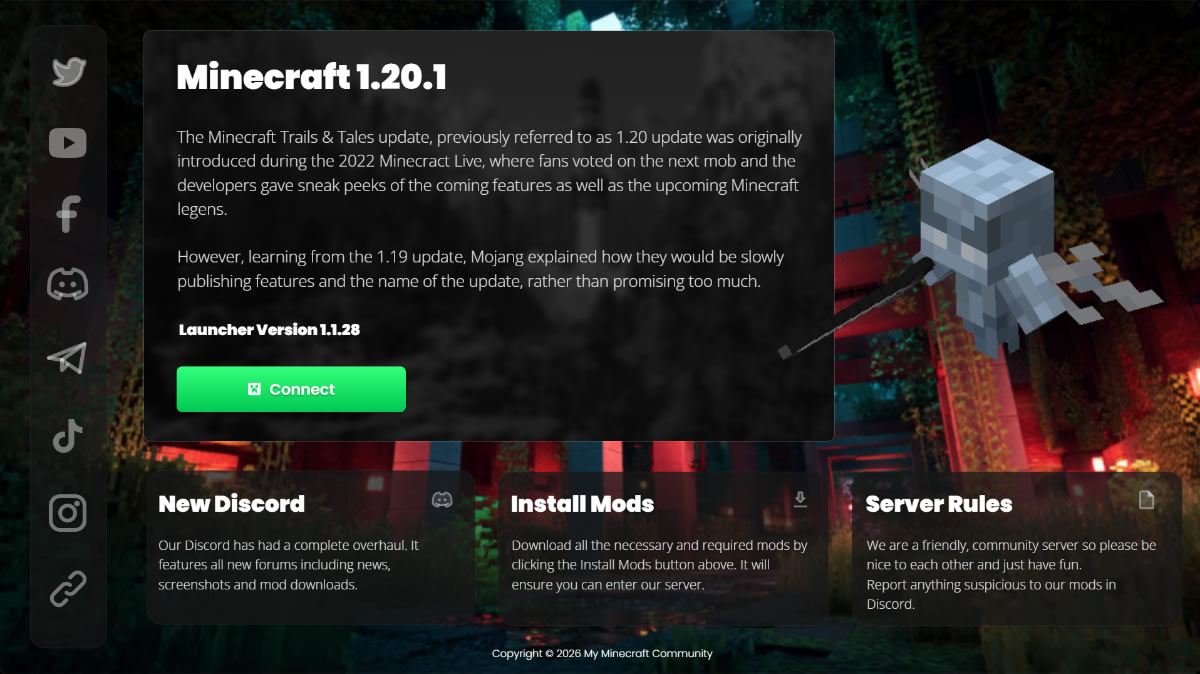
Cross-Platform Distribution
Windows, MacOS and Linux. No Updates Required.
Engineered for Speed. Built for Scale.
From indie prototypes to AAA deployments, GLC provides the visual infrastructure to ship your game reliably to millions of players worldwide.
Limitless Capabilities
Everything you need to design, build, and deploy a professional game launcher without writing a single line of code.
Intuitive Visual Canvas
Forget scripting. Use our drag-and-drop editor to design your launcher exactly how you envision it. Features smart snapping, full Z-index layering, and real-time previews.
Event Action System
Create complex logic flows effortlessly. Link user interactions to actions like playing sounds, launching URLs, or verifying files—all without code.
Cloud Asset Library
Upload and manage your images, videos, and sounds directly in the cloud. Access your assets from any browser, anywhere.
Global Variables
Store data and track states effortlessly. Define custom variables to create dynamic, runtime logic across your launcher.
Developer CSS
Need more control? Inject custom raw CSS per object for limitless design possibilities, advanced selectors, and keyframe animations.
Developer EditionSupreme Integrity
Never ship a broken build. Our high-speed hashing engine ensures every byte on the client matches your server configuration, preventing tampering.
SHA-256 Validation Delta Patching LZMA Compression
Cross-Platform
Compile native, highly-optimized binaries for major operating systems including Windows, Linux, and macOS effortlessly.

You Design the Interface.
We Handle the Game Patching.
The ultimate power couple. Inject the LaunchBoost plugin directly into your Game Launcher Creator project to create fully custom, embedded update experiences without writing a single line of code.
Seamless Game Patching & Updates
Utilize Game Launcher Creator's powerful Drag & Drop editor to visually design your own custom patch screens. Build unique progress bars, dynamic status texts, and download indicators that link directly to the high-speed LaunchBoost patching engine as it runs.
As Easy As 1,2,3...
Setup your game patch system with LaunchBoost. Drop the plugin object into your Launcher. Configure your API Key and Project Slug and your launcher has embedded, real-time game patching.
Insert Plugin
Select 'LaunchBoost' from the GLC object library and drag it directly into your scene. Zero coding required.
Configure Keys
Right-click to open settings. Paste your API Key and Project Slug securely directly from your LaunchBoost dashboard.
Bind Events
Use the GLC Event System to trigger animations, sounds, or enable the 'Play Game' button when the update completes.
Silent Mode & TCP Pipeline
Configure the LaunchBoost plugin to run in Silent Mode. The patcher launches invisibly in the background and streams real-time data directly to your launcher's variables via a local TCP socket.
-
Zero UI Popup The user never sees a separate, clunky 'updater' window.
-
Real-Time Variable Binding Map
%patch_progress%directly to your progress bar objects. -
Event Action System Seamlessly trigger GLC native actions upon download completion.
> PROGRESS: 45%
%patch_percent%
Available Objects
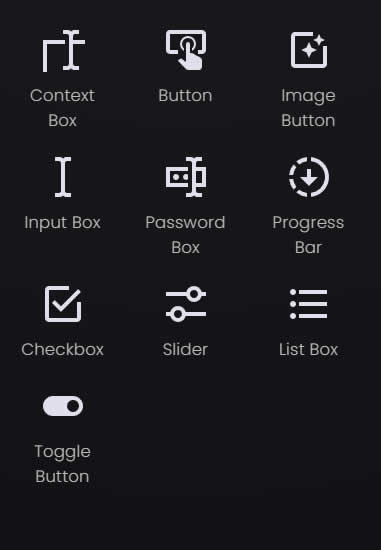
Construct your ultimate game launcher with our comprehensive library of drag-and-drop elements. From essential visuals to advanced data parsers, everything is highly customizable.
Text Label
Highly customizable static text elements with full font, color, and alignment control.
Image
Embed static, non-interactive imagery to brand and style your launcher background or UI.
GIF
Bring your launcher to life with looping, animated GIF support.
Video
Embed seamless video players with autoplay, looping, and mute controls.
News Ticker
A scrolling text marquee to display announcements, server status, or live updates.
Hero Slider
Create stunning, interactive slideshows for featured updates, images, and videos.
Button
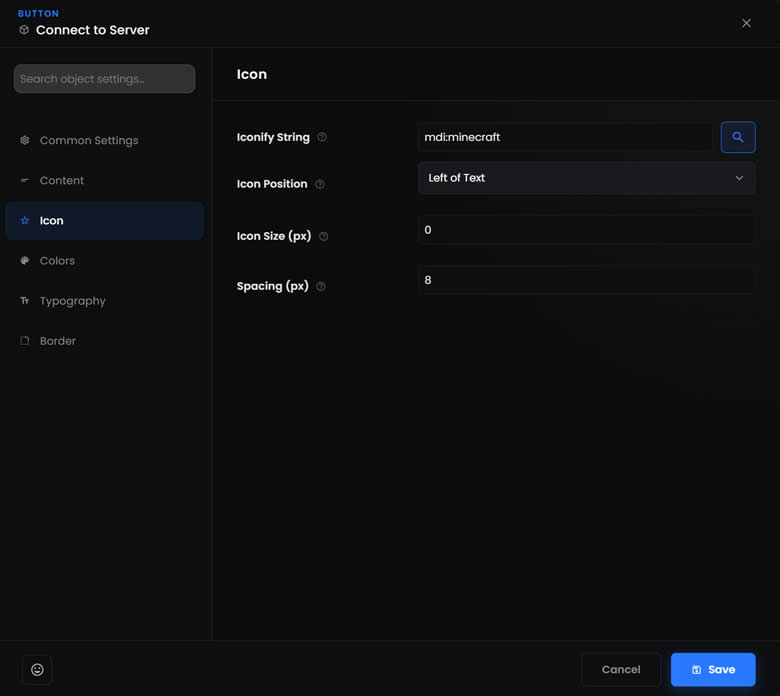
Standard clickable buttons with hover states, embedded icons, and action triggers.
Image Button
Interactive graphical buttons that swap images on hover and click states seamlessly.
List Box
Scrollable lists for server selection, mod sorting, or custom inventory UI arrays.
Context Box
A multi-line text area ideal for displaying patch notes or capturing detailed user input.
Input Box
Single-line text inputs to capture usernames, search queries, or specific variables.
Password Box
Masked text inputs designed specifically for secure credential entry.
Progress Bar
Visually represent download states, health bars, or variable capacities.
Checkbox
Standard toggleable checkboxes for settings, terms agreements, and boolean variables.
Slider
Horizontal input sliders perfect for volume control or selecting a value in a range.
Toggle Button
Modern, mobile-style switches for toggling launcher features and settings on or off.
WebView
Embed full external web pages, cash shops, or forums directly inside the launcher.
Game Update Check
Compare local game versions against remote endpoints to trigger automatic updates.
Query String
Perform HTTP requests to remote URLs to fetch live data into your launcher.
JSON Parser
A non-visual logic object to instantly parse complex JSON strings and trigger local events.
Power-Up with Plugins
Expand your launcher's capabilities with native integrations, advanced monetization tools, and direct server connections. Select a module below to explore.
Launcher Login System
The ultimate membership ecosystem for your game.
Transform your launcher into a fully-fledged membership portal. Host the secure web-script on your own domain and control exactly who has access to your game, updates, and community features.
- Native Features: Users can sign up and log in directly from your custom launcher. No coding.
- Role-Based Access: Restrict specific pages, buttons, or game launches depending on the user's assigned role.
- Stripe Integration: Sell your game, subscriptions, downloads or digital items natively.
- Self-Hosted Security: 100% data ownership. You host the backend PHP/MySQL script.
Minecraft Pro
Direct connectivity for Java & Bedrock Servers.
Designed specifically for modpack creators and server networks. The Minecraft plugin allows your launcher to communicate directly with your game server before the user even hits play.
- Live Server Pinging: Display real-time MOTD and active player counts on your launcher.
- Direct Connect: Launch the game and bypass the multiplayer menu straight into your server.
- Modpack Syncing: Validate local mods against your server's required modlist.
- Forge & Fabric: Full support for the most popular modding APIs.
Steam Bridge
Seamlessly interface with the Steamworks API.
Configure the connection to your Steam game server. The App ID is required for the launcher to identify the game client, allowing you to build launchers for custom GMod, ARK, or dedicated Steam deployments.
- App ID Binding: Automatically verify game ownership and trigger the Steam bootstrapper.
- Server IP & Port: Route players directly into your dedicated server instance.
- Password Handling: Securely pass lobby/server passwords through the launch parameters.
- Workshop Support: Trigger workshop content downloads prior to launch.
FiveM Connect
The ultimate tool for GTA V roleplay communities.
Bypass the chaotic public server browser. Give your community a dedicated FiveM Launcher that streams your latest server rules, Discord updates, and connects them directly into your city.
- Cfx.re Integration: Connect directly using your server details.
- Live Queue Status: Pull data from your server to display current queue lengths in the UI.
- Cache Clearing: Add automated 'Clear Cache' buttons to resolve player connection issues.
- Discord Hooks: Read rich presence data to see who is currently in-city.
Discord RPC
Keep your community engaged with Rich Presence.
Broadcast your game to the world. The Discord Rich Presence plugin links your launcher to the Discord client, showing friends exactly what your players are up to inside your server or game.
- Custom Application ID: Link directly to your Discord Developer Portal application.
- Dynamic States: Update presence from "In Main Menu" to "Playing on Server #1".
- Custom Artwork: Display your game's logo and custom tooltips on user profiles.
- Time Tracking: Show exactly how long a player has been active in your session.
LaunchBoost.io
High-speed, embedded game patching.
The ultimate power couple. Inject the LaunchBoost plugin directly into your project to create fully custom, embedded update experiences without writing a single line of code.
- Silent Background Mode: Download and patch files invisibly without clunky popups.
- Delta Patching: Only download files that have changed, saving massive bandwidth.
- Variable Binding: Stream patch progress directly to your custom launcher progress bars via TCP.
- Event Actions: Trigger custom launcher events the moment a patch completes.
For Server Owners & Gamers
Running a private MMO server, a FiveM roleplay community, or a modded Minecraft network? Build a unified hub for your players to easily download mods and connect securely.
View Gamer FeaturesFor Professional Developers
Stop wasting sprints building custom patchers. Hook GLC into your CI/CD pipeline and automatically push engine builds to your beta testers and live servers effortlessly.
View Dev FeaturesBuilt by Creators.
Played by Millions.
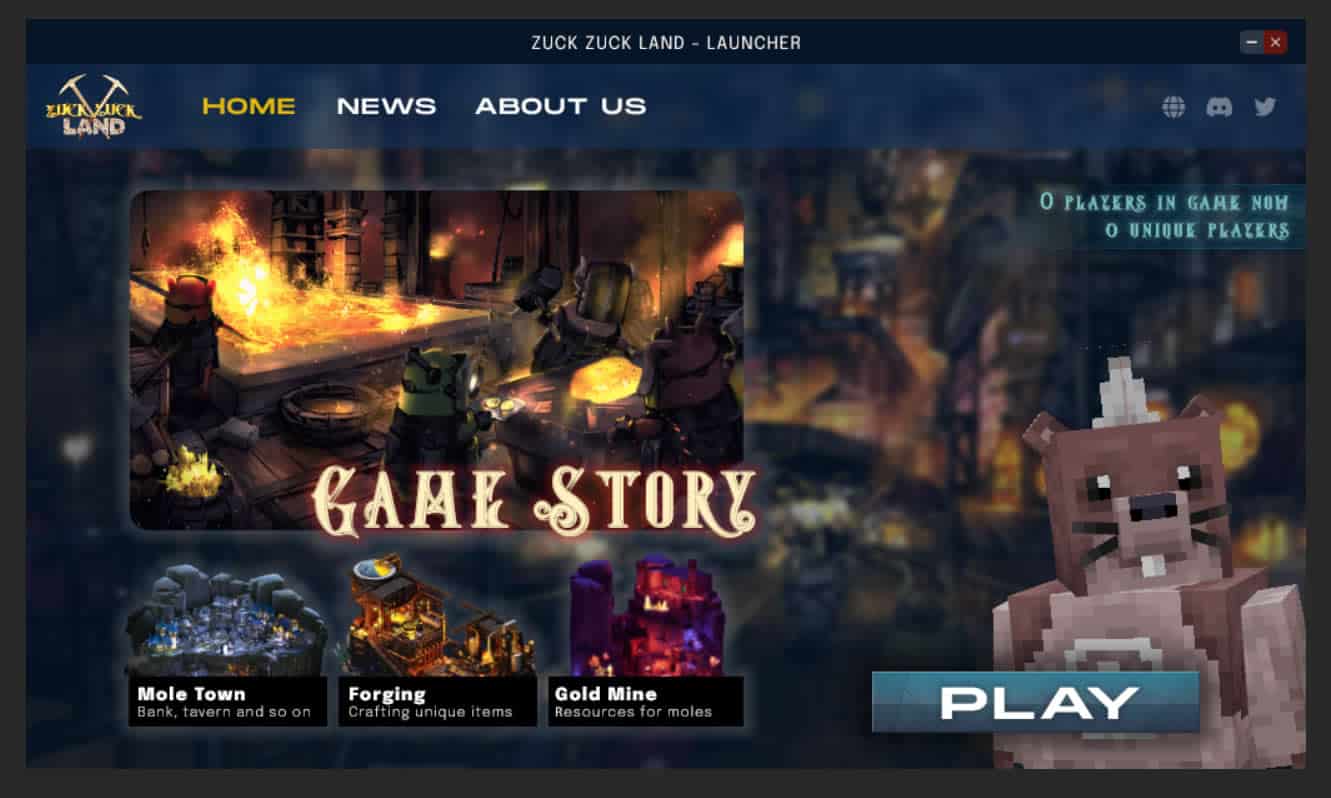
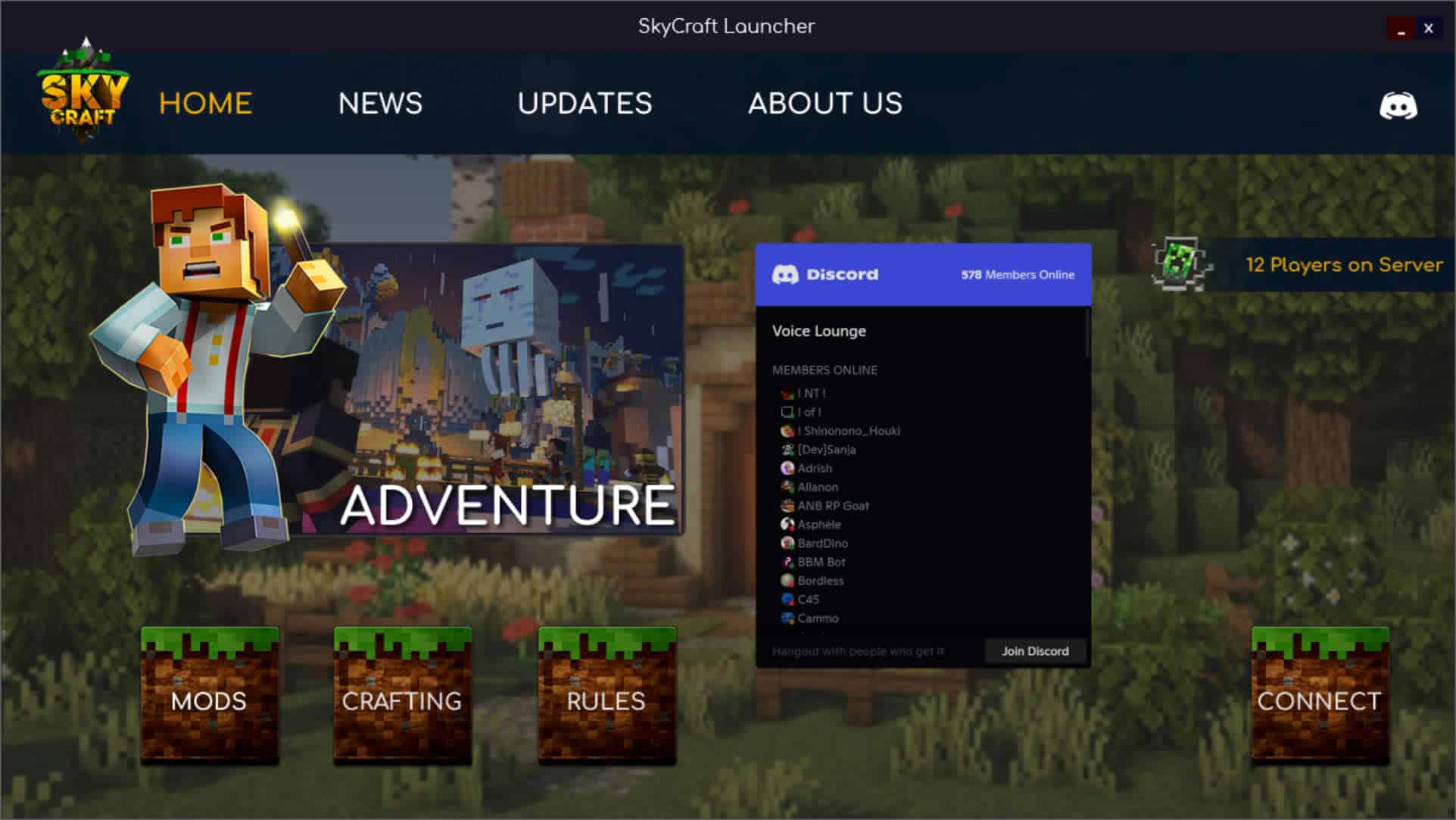
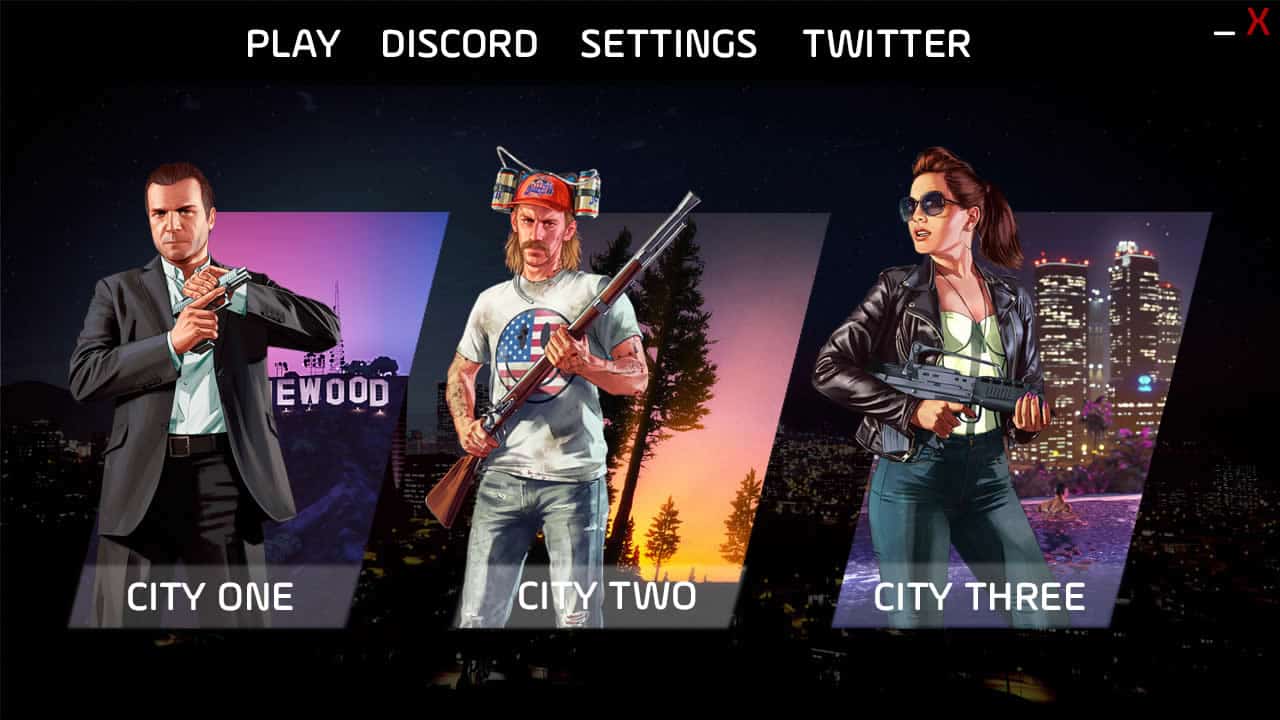
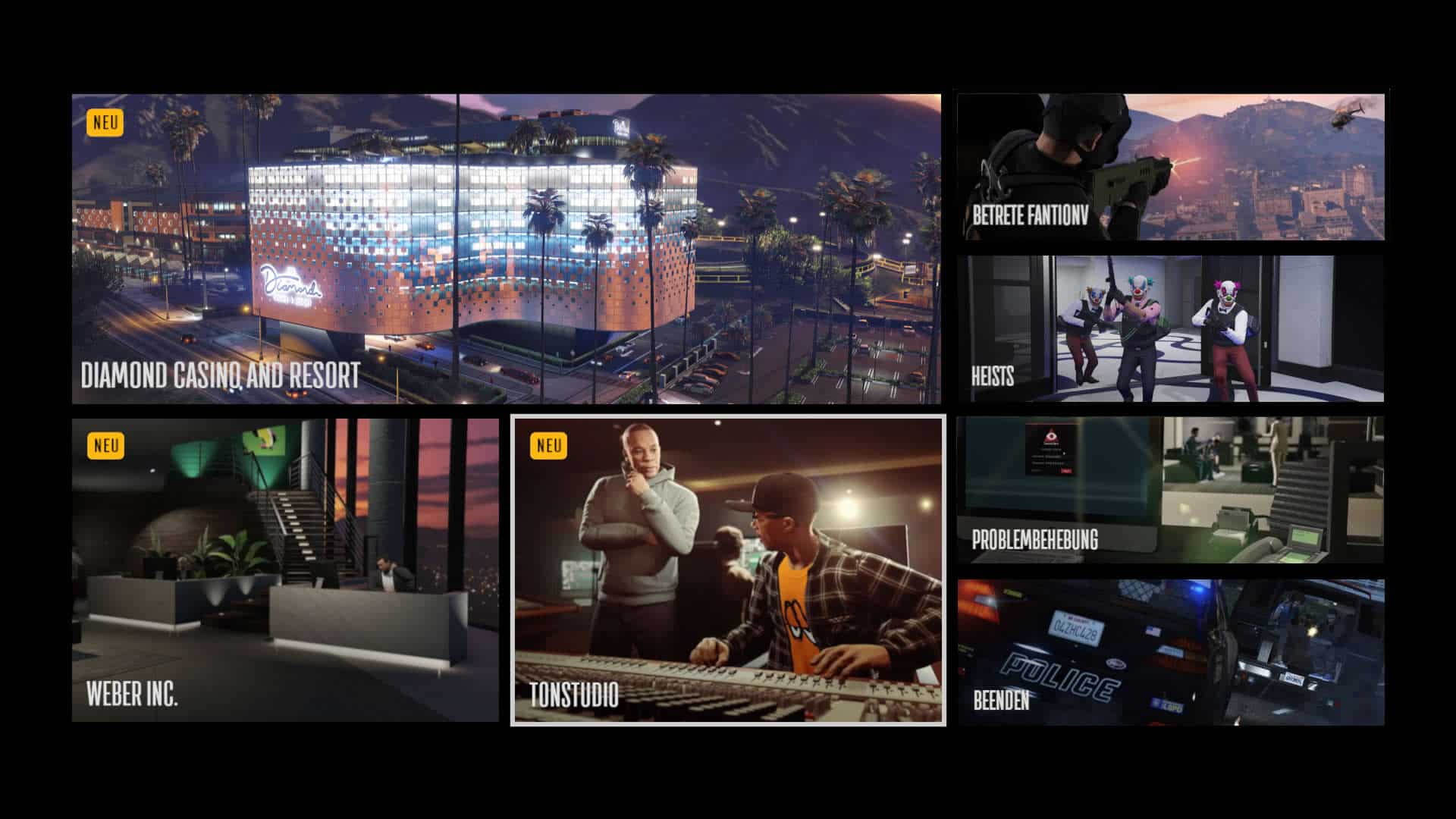
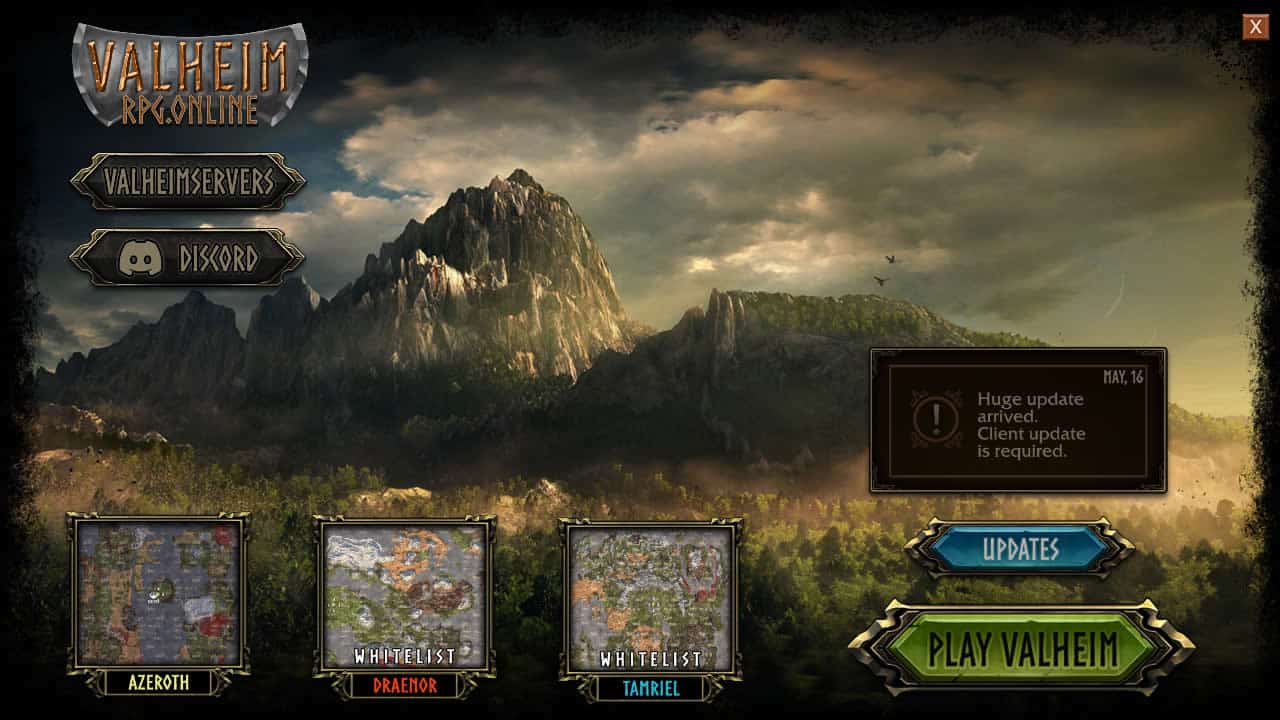
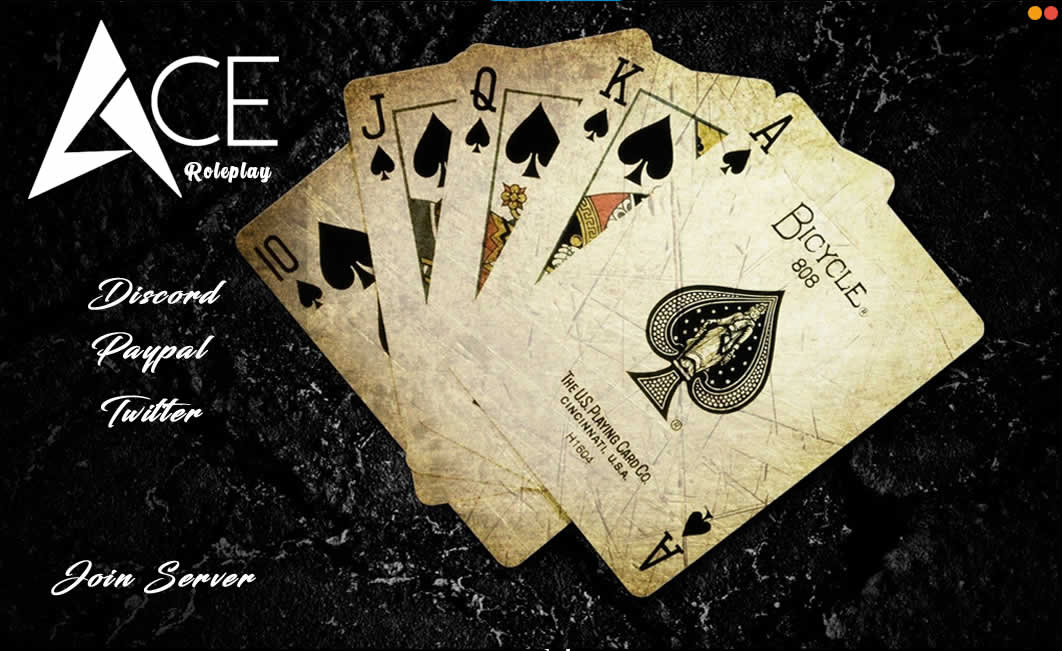
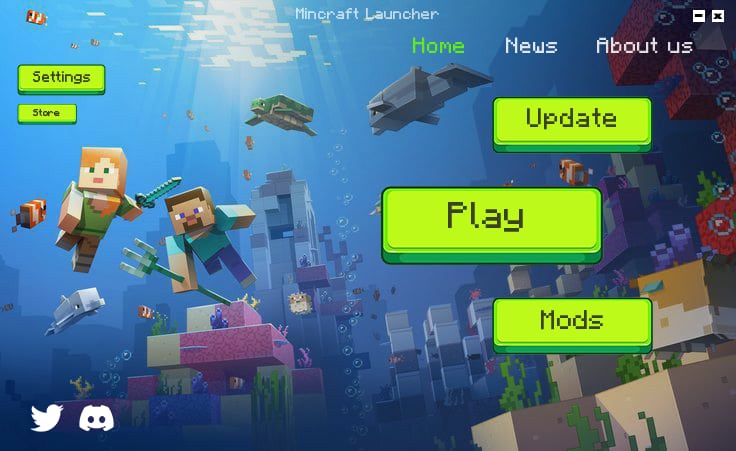
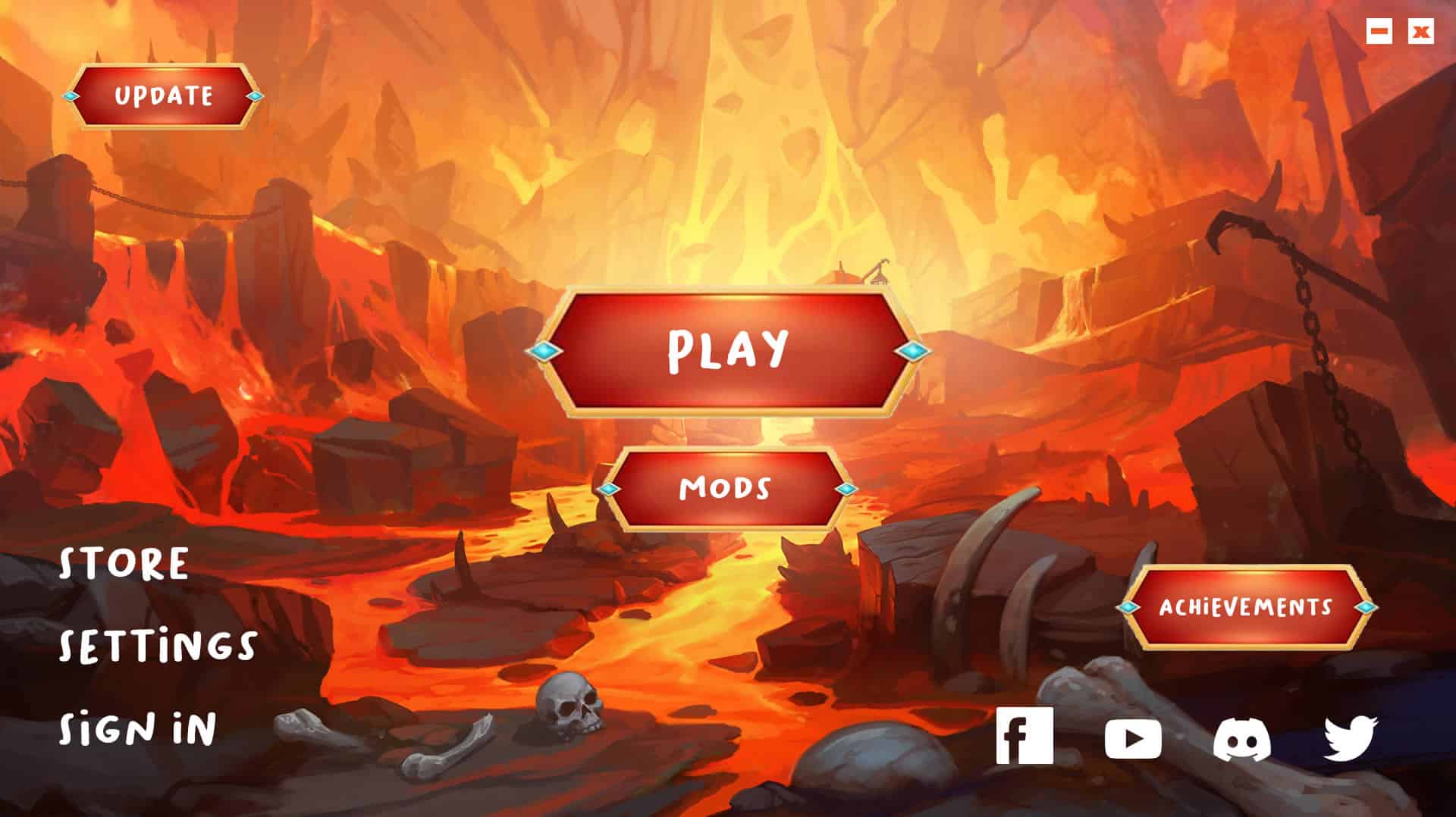
Take a look at a fraction of the stunning custom launchers our community of developers, modders, and server owners have designed using the Game Launcher Creator visual engine.
Join 9,000+ Creators
Get live support, share your creations, troubleshoot issues, and talk directly with the developers in our official Discord server.
Direct access to the Dev Team Community showcases & templates Priority announcements & beta testing
Recently Joined By
Say "Hello" to our latest users after you purchase and enter our Discord server 💬😉
 im klumsy
Joined:
im klumsy
Joined:Just now
Blair Blair
Joined:Just now
Alex
Joined:Just now
Robin Nieuwenhuis
Joined:Just now
Dros Forge
Joined:Just now
A A
Joined:Just now