Building a game or custom engine natively in Custom C++ provides developers with the ultimate control over hardware, memory management, and system architecture. For studios and technical developers looking to bypass the overhead of off-the-shelf commercial engines, writing a custom framework ensures that every cycle of the CPU and byte of RAM is fully optimized for your specific project needs.
At the core of native development is the freedom to construct your own technology stack. Whether you are using windowing libraries like SDL2, SFML, or GLFW, or directly interfacing with low-level rendering APIs such as Vulkan, DirectX 12, or OpenGL, C++ gives you the power to craft high-performance logic, multithreaded systems, and bespoke asset pipelines from the ground up.
Visually, a Custom C++ project is only limited by your graphics programming capabilities. From building a lightweight 2D rendering framework for a retro platformer to engineering a state-of-the-art 3D renderer featuring compute shaders and real-time ray tracing, native development allows technical artists and engine programmers to push the absolute limits of modern GPUs.
However, completing your custom binary is only half the battle. Distributing a raw executable alongside a loose folder full of assets, configuration INI files, and dynamic-link libraries (.dlls) does not provide a polished user experience. Providing a seamless, branded onboarding interface is crucial for player retention, delivering patch notes, and managing dependencies like Visual C++ Redistributables.
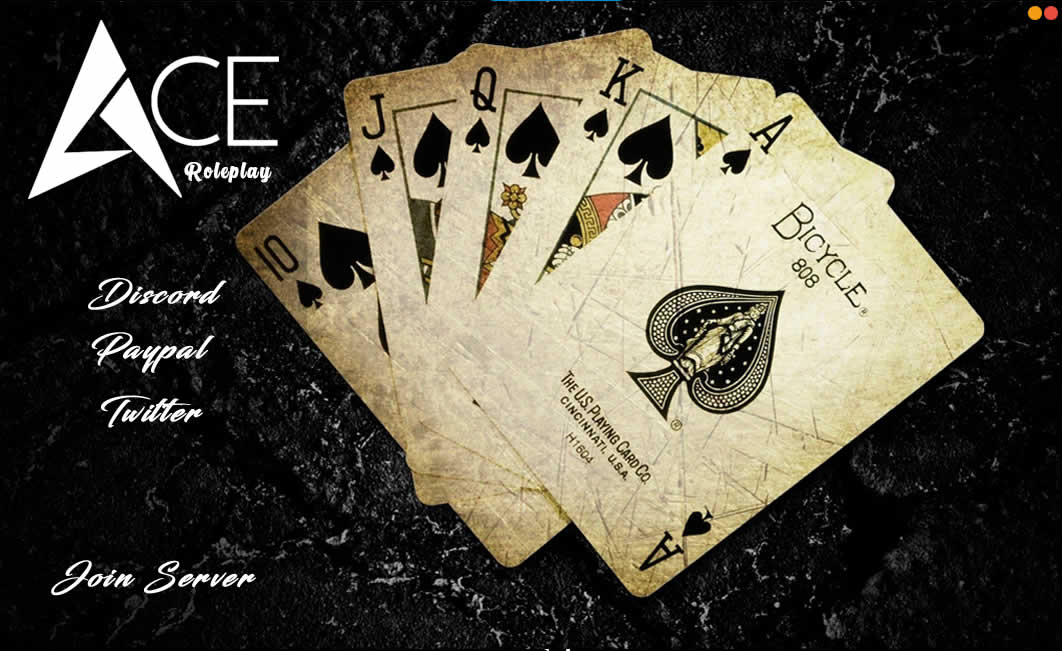
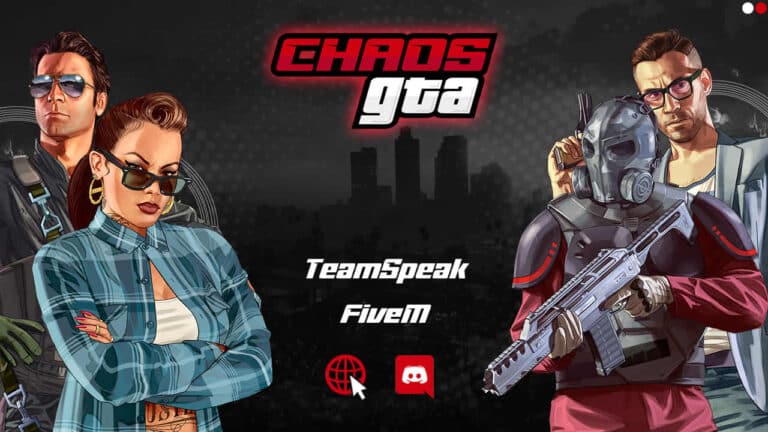
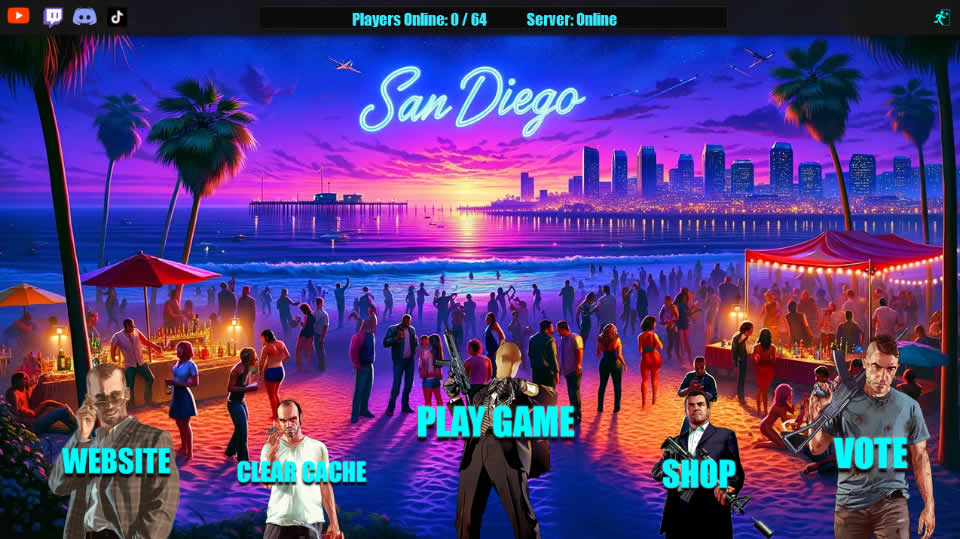
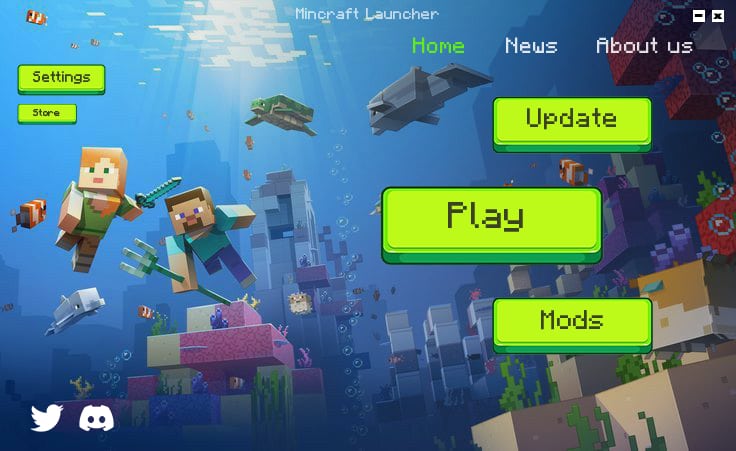
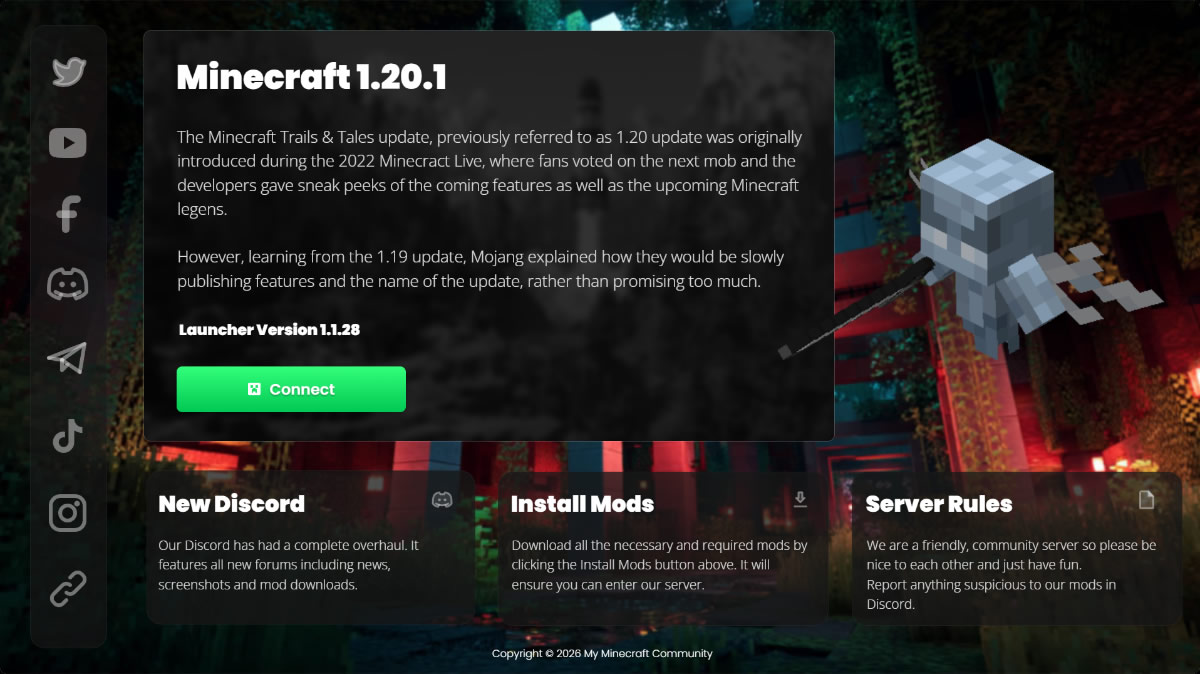
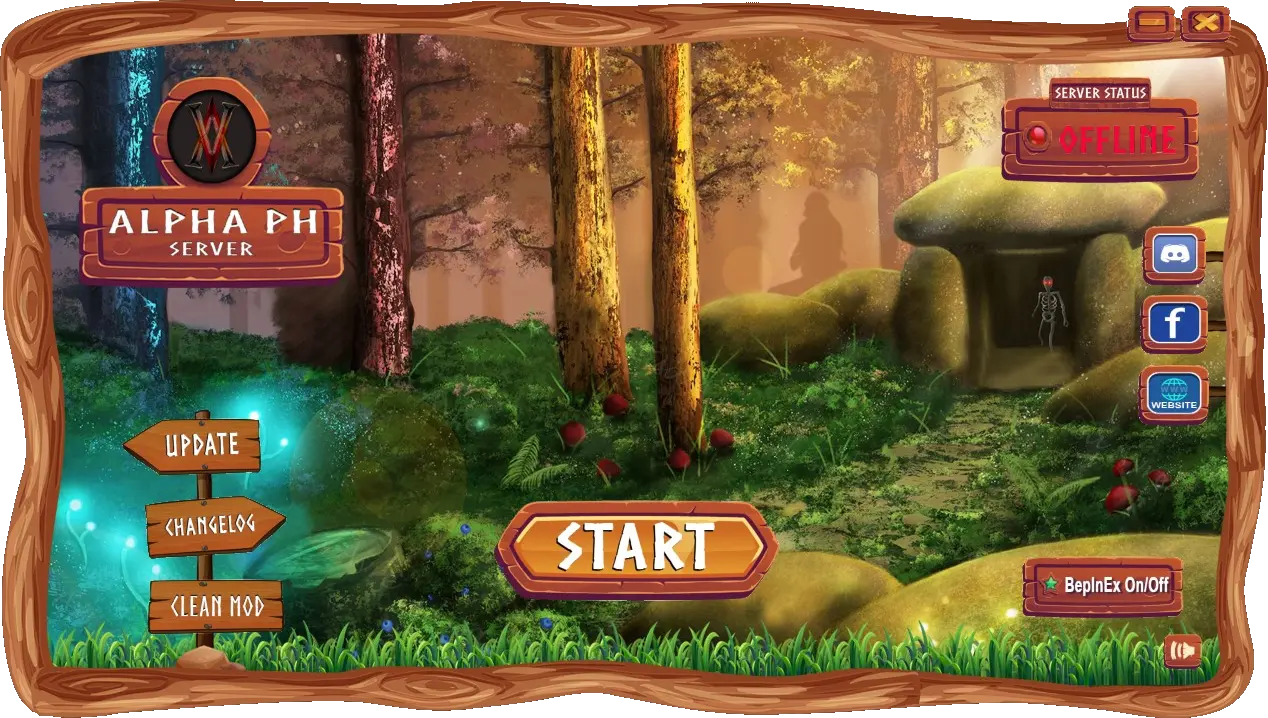
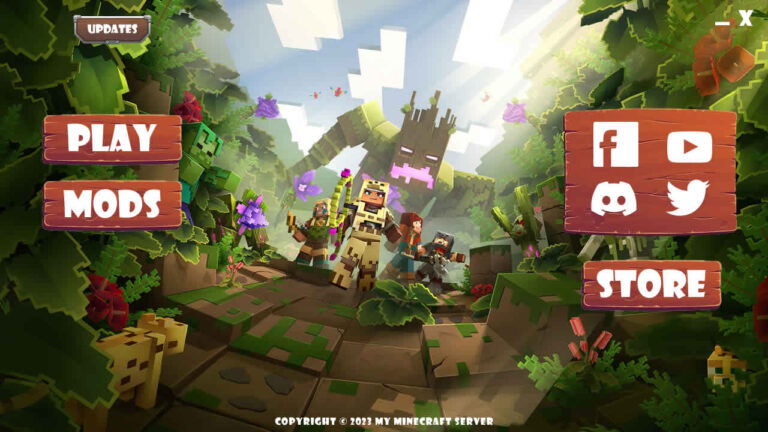
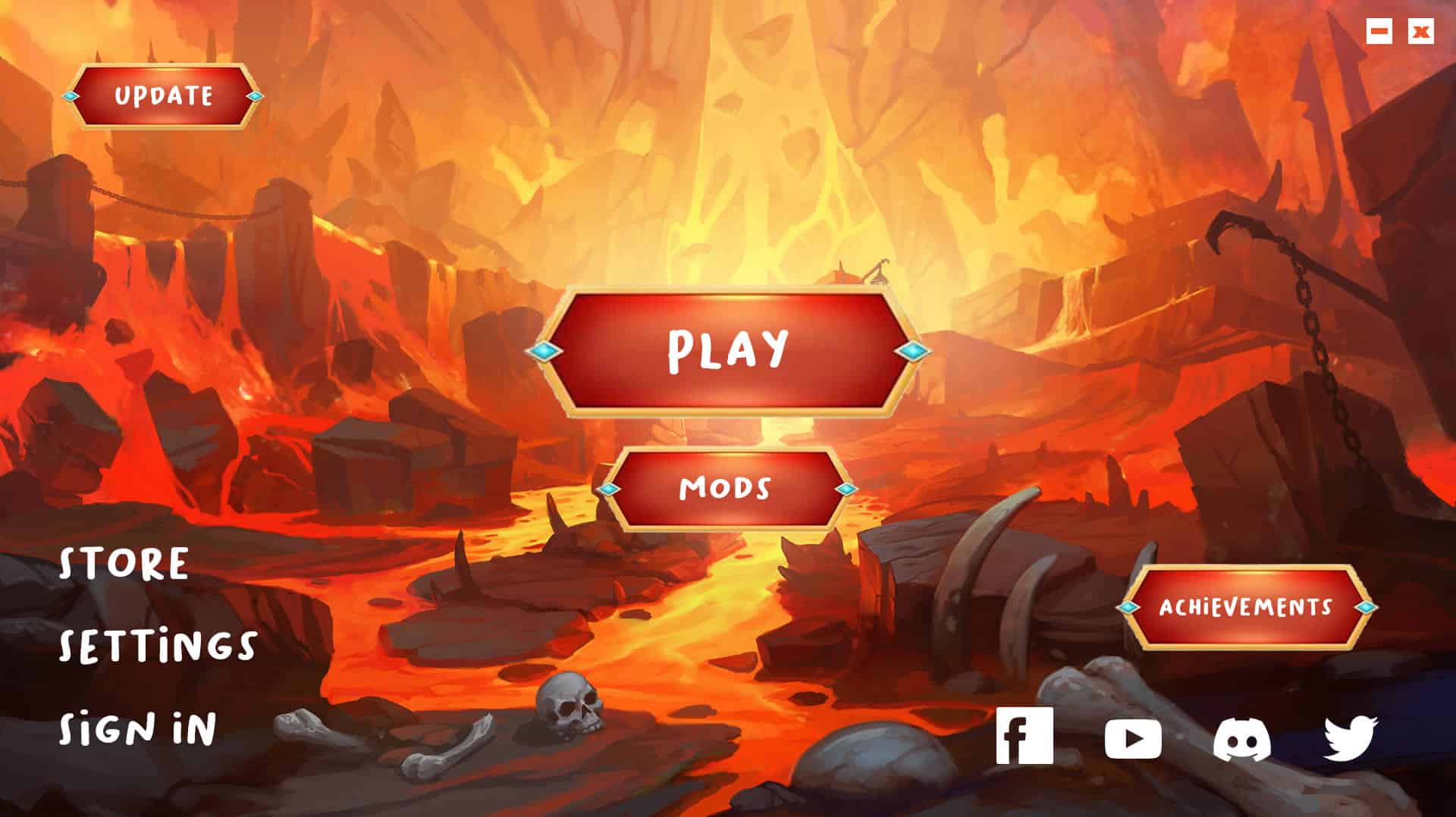
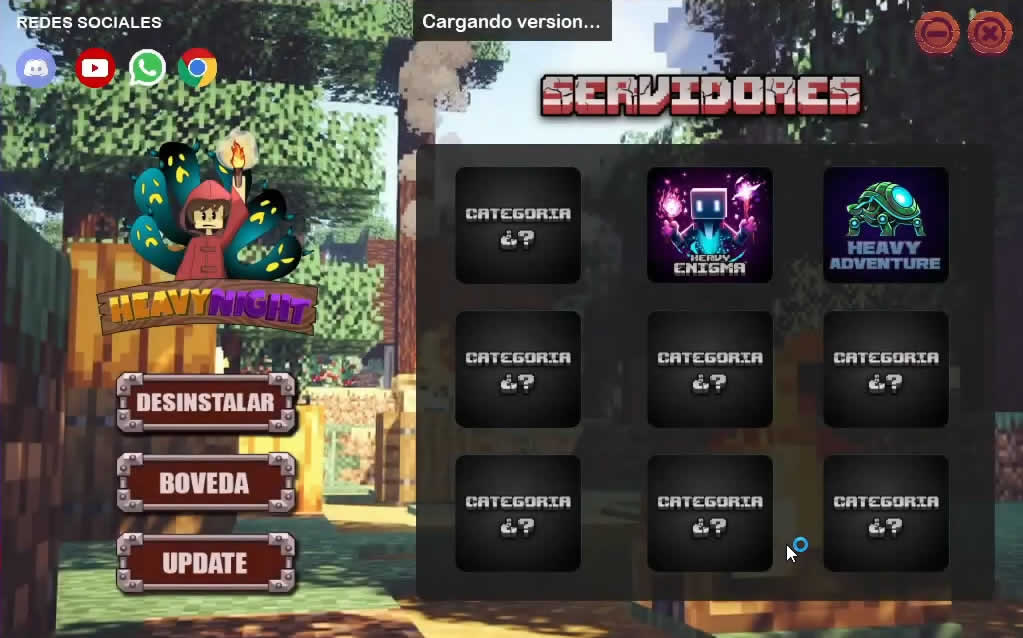
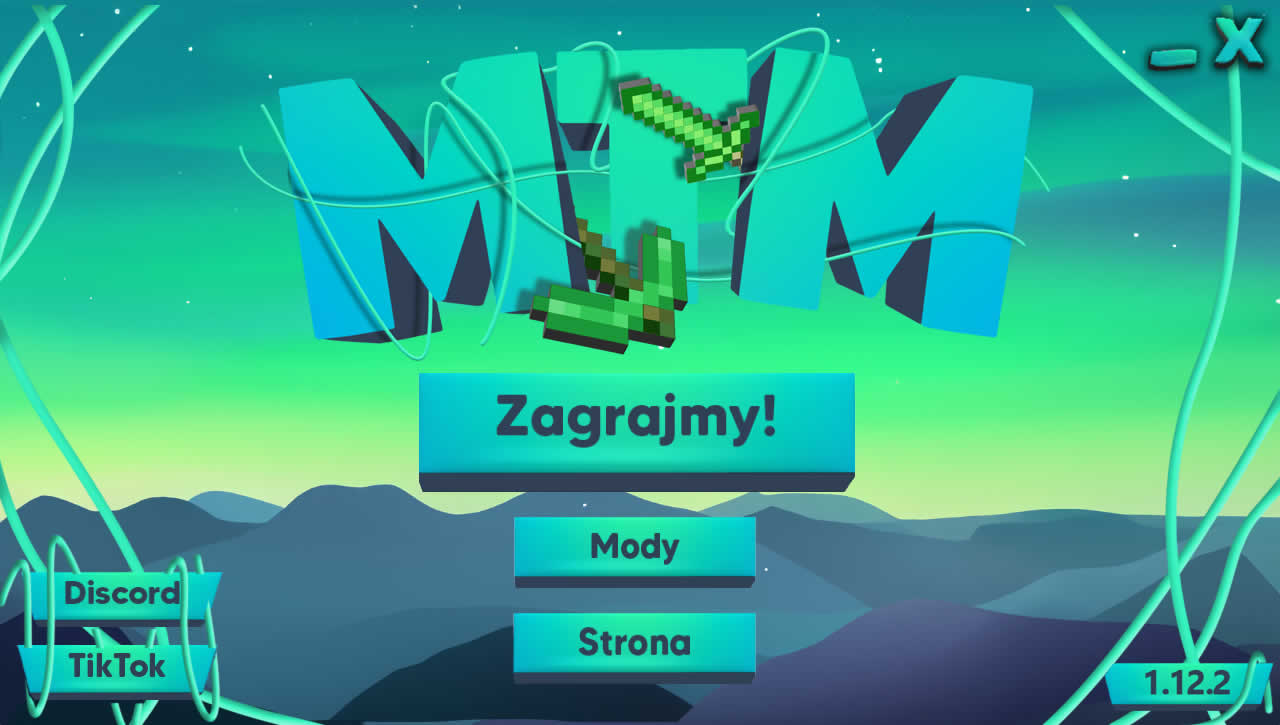
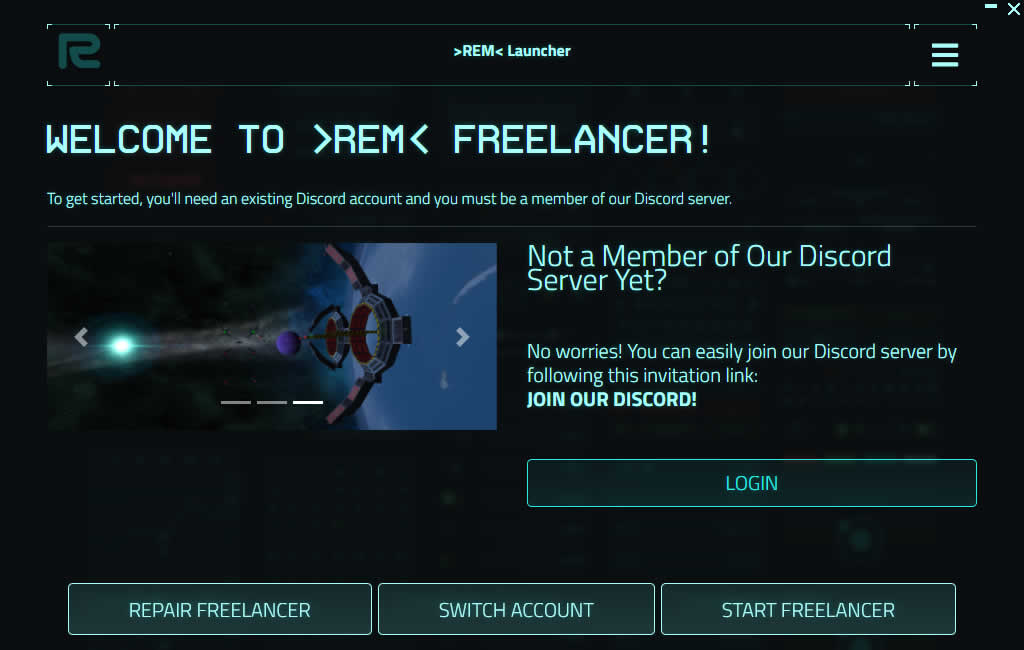
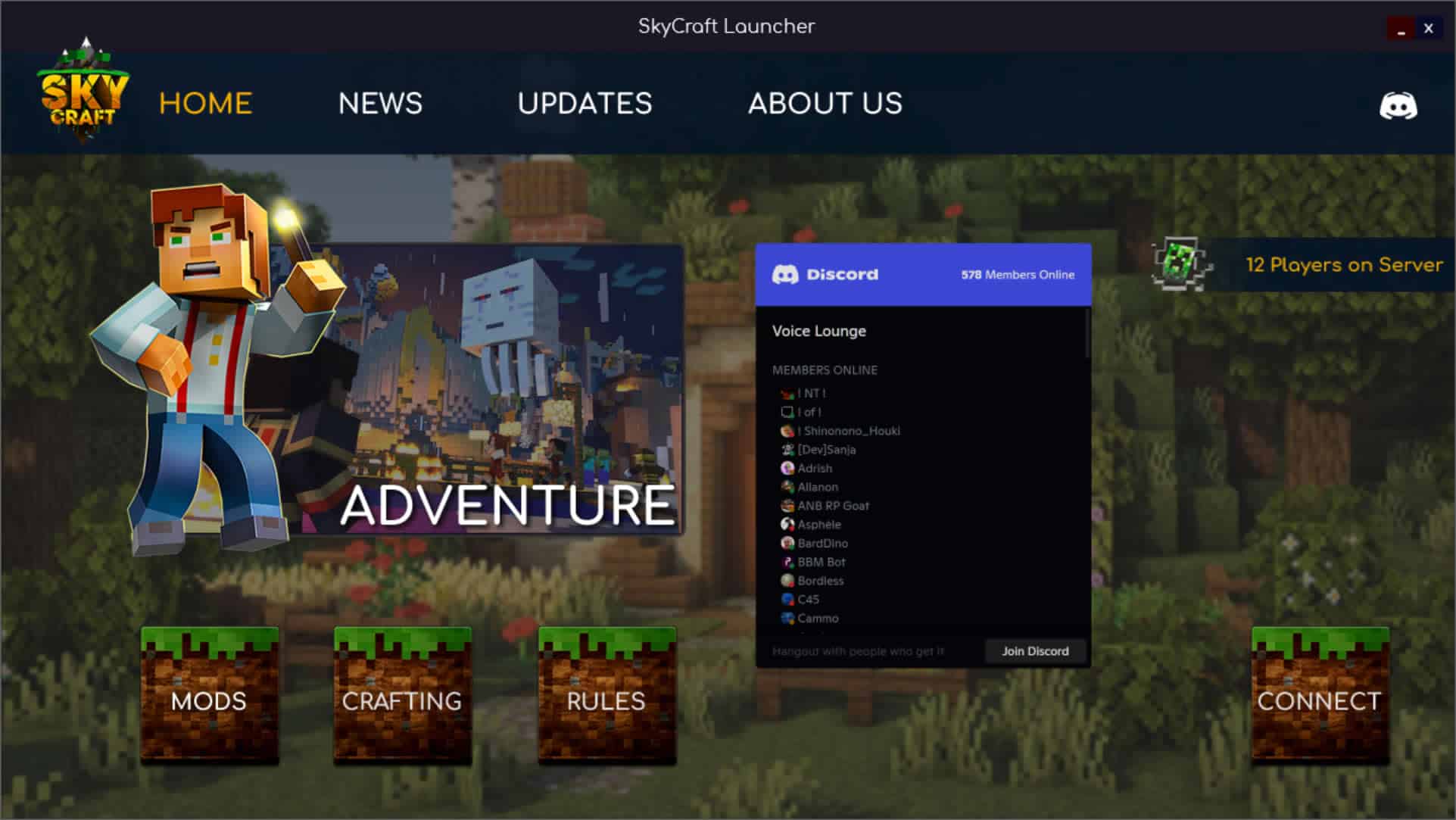
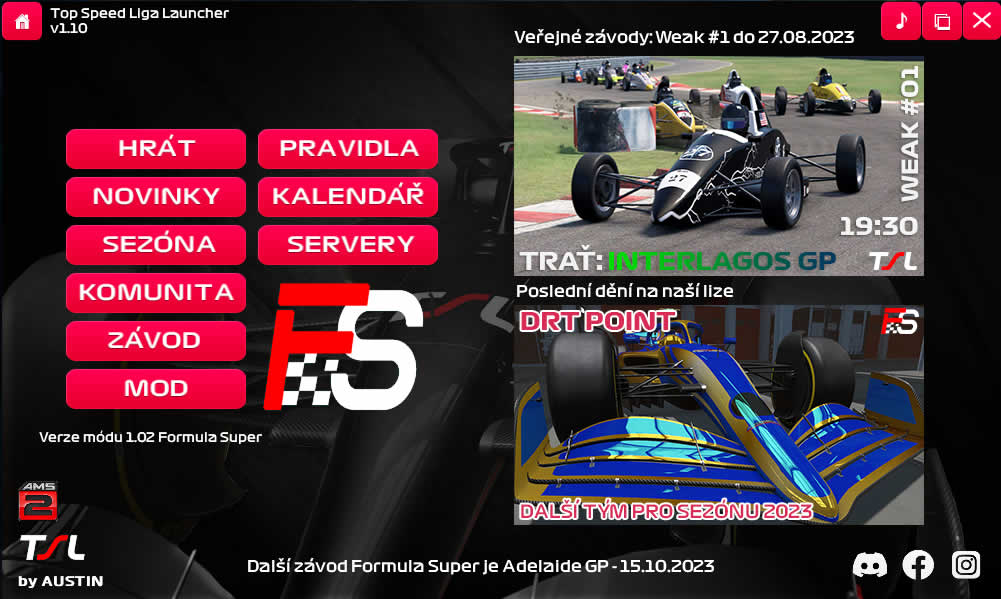
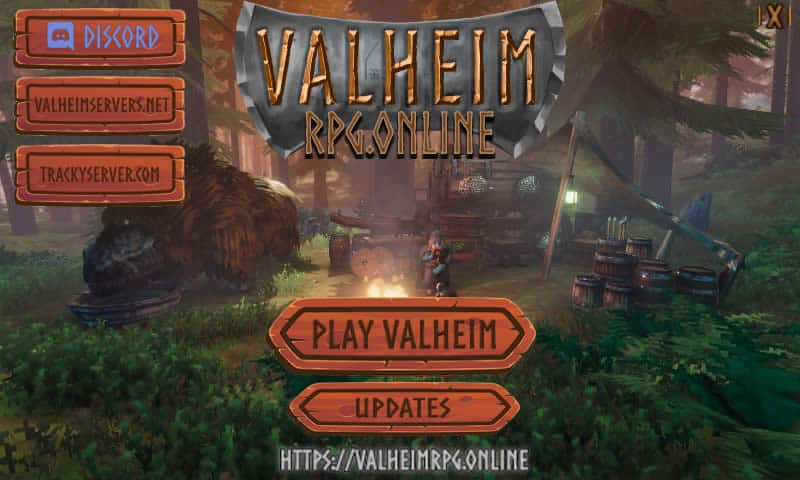
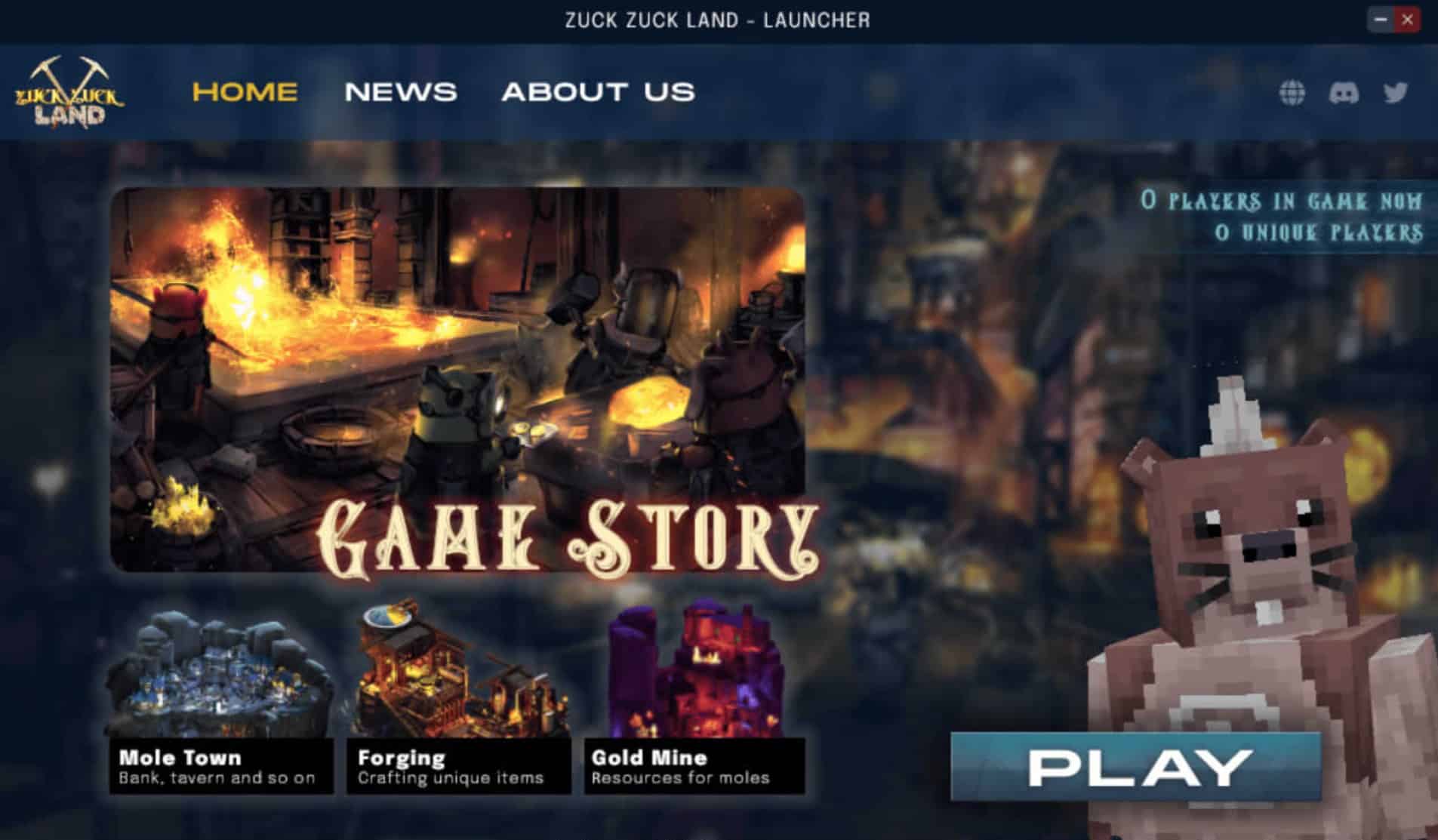
This is where designing a Custom Custom C++ Launcher becomes essential. A dedicated launcher acts as the ultimate gateway to your application, allowing you to showcase live news feeds, patch notes, and server statuses before the player even executes your main binary. It ensures that your users are always running the latest build by silently handling background updates and delta-patching your custom file formats.
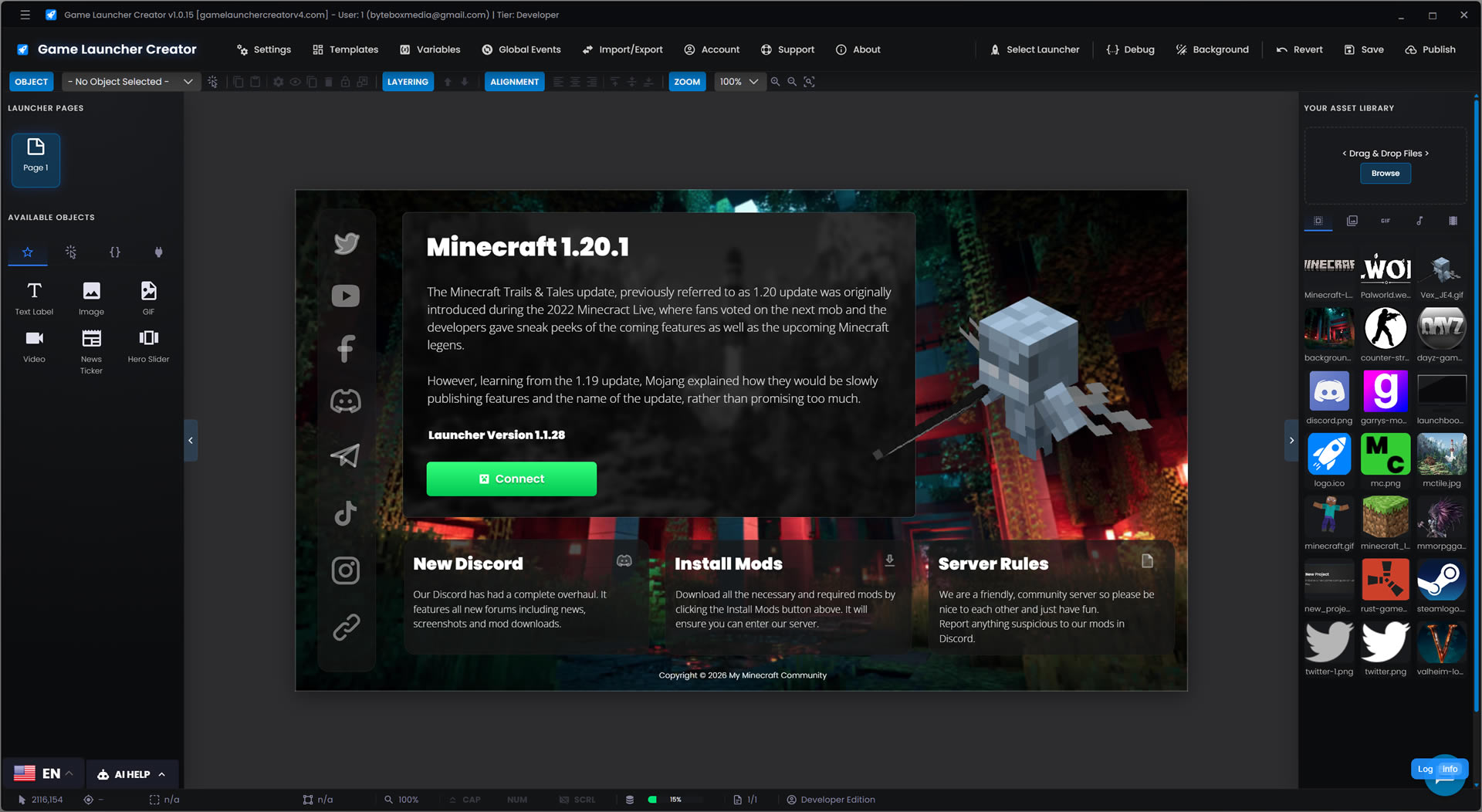
Historically, building a Custom Game Launcher Custom C++ developers could rely on meant wrestling with frameworks like ImGui, Qt, or spinning up an electron wrapper—stealing valuable development sprints from the core game engine. Now, with Game Launcher Creator Developer Edition, programmers can visually design, logic-route, and deploy a native, lightning-fast Windows launcher in a matter of hours, complete with dynamic variables, Discord integrations, and LaunchBoost patching capabilities.



 by Bytedox Media since 2017.